Another way to go for marking required fields

8 Sept 2014 · 0 min
0:05

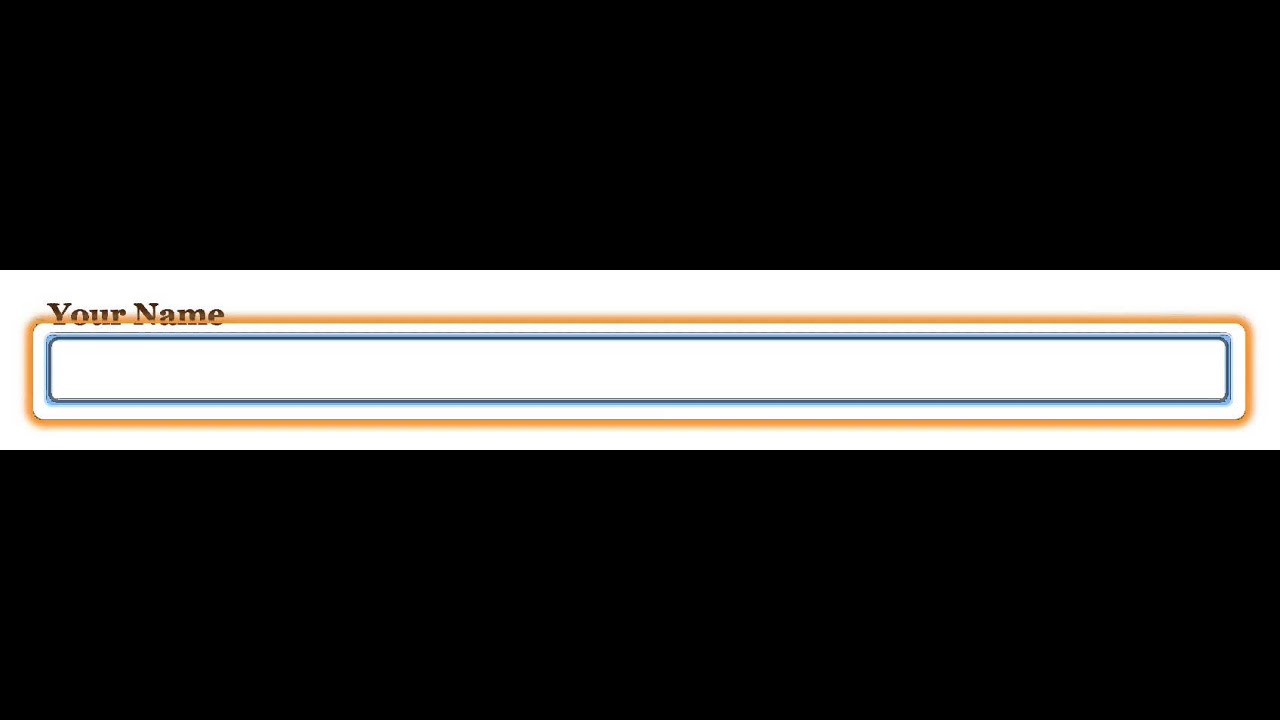
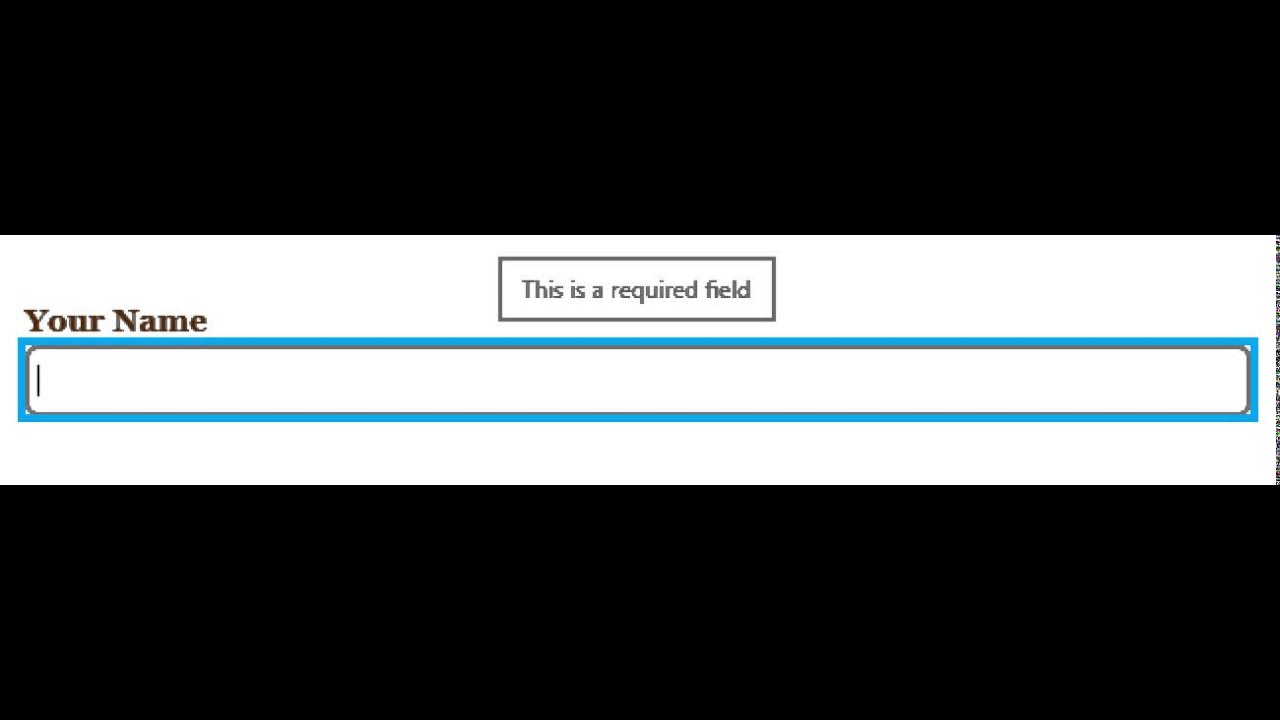
In this brief tutorial, the presenter explains that an asterisk () next to a form field signals that the field is required. The example given is a 'First name' field marked with an asterisk, and the speaker emphasizes that the associated text input must be filled in. The instruction serves as a quick guide for designers and developers on how to denote mandatory fields in user interfaces.

More from Aaron

1:01:35
youtube.com

Exploring AI's Role in Accessibility

1y ago
1:10:08
youtube.com

Remembering Molly Holzschlag

2y ago
5:12
youtube.com

BioCube 29 in Year 5

8y ago
0:15
youtube.com

Narrator Developer Mode

10y ago
0:02
youtube.com

ChromeVox reading the label associated with a form control.

11y ago
0:05
youtube.com

Falling in Love With Forms - Error Messaging (NVDA + Internet Explorer 11)

11y ago
0:08
youtube.com

Falling in Love With Forms - Related Fields (Narrator + Firefox)

11y ago
0:03
youtube.com

Falling in Love With Forms - Required Field (Narrator + Internet Explorer 11)

11y ago
0:06
youtube.com

Falling in Love With Forms - aria-describedby (NVDA + Firefox)

11y ago
0:21
youtube.com

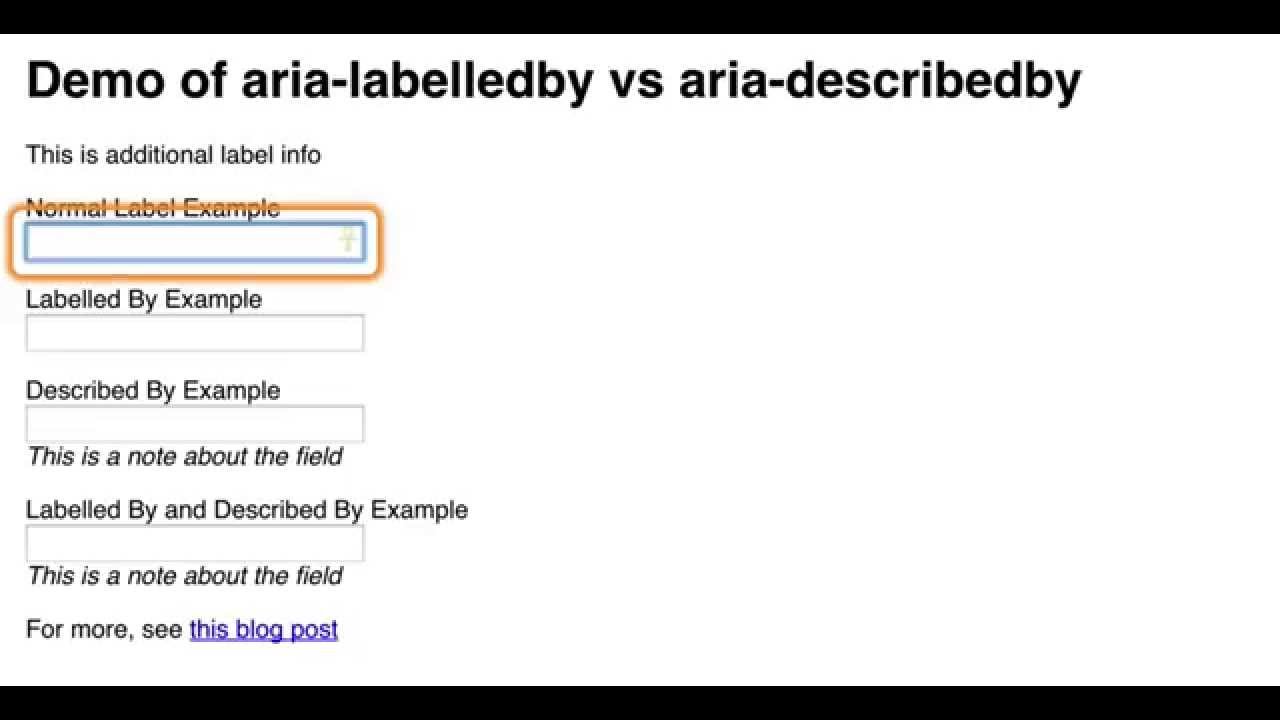
aria-labelledby vs. aria-describedby

12y ago
0:07
youtube.com

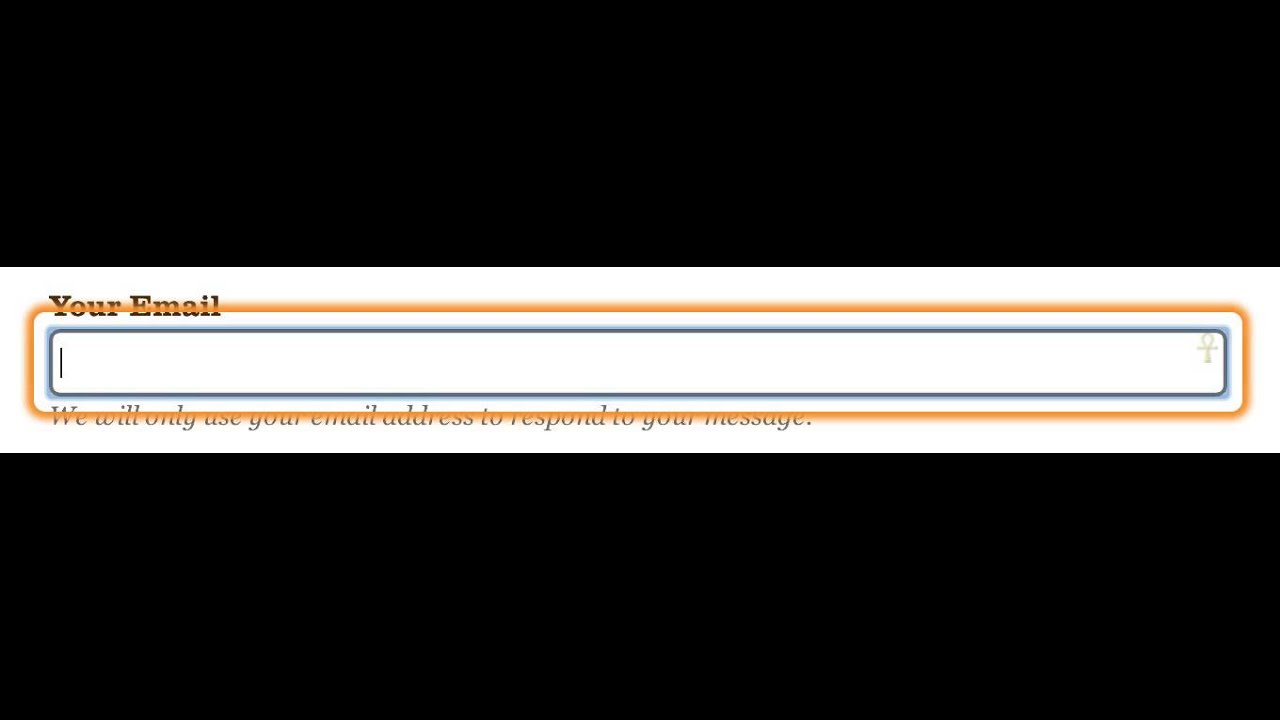
Example of ARIA’s "described by" feature

12y ago
See all content