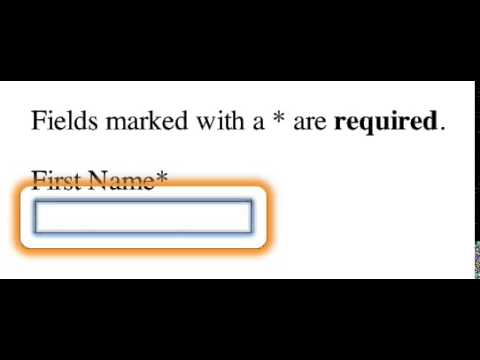
Marking fields required using an abbreviation

8 Sept 2014 · 0 min
0:03

In this brief instructional video, the presenter demonstrates how to mark a form field as required by appending an asterisk to the field label. The example shown is the "First name" field, where the speaker adds an asterisk and edits the text to reflect the required status, illustrating a simple visual cue for required inputs in web forms.

More from Aaron

1:01:35
youtube.com

Exploring AI's Role in Accessibility

1y ago
1:10:08
youtube.com

Remembering Molly Holzschlag

2y ago
5:12
youtube.com

BioCube 29 in Year 5

8y ago
0:15
youtube.com

Narrator Developer Mode

10y ago
0:02
youtube.com

ChromeVox reading the label associated with a form control.

11y ago
0:05
youtube.com

Falling in Love With Forms - Error Messaging (NVDA + Internet Explorer 11)

11y ago
0:08
youtube.com

Falling in Love With Forms - Related Fields (Narrator + Firefox)

11y ago
0:03
youtube.com

Falling in Love With Forms - Required Field (Narrator + Internet Explorer 11)

11y ago
0:06
youtube.com

Falling in Love With Forms - aria-describedby (NVDA + Firefox)

11y ago
0:21
youtube.com

aria-labelledby vs. aria-describedby

12y ago
0:07
youtube.com

Example of ARIA’s "described by" feature

12y ago
See all content