
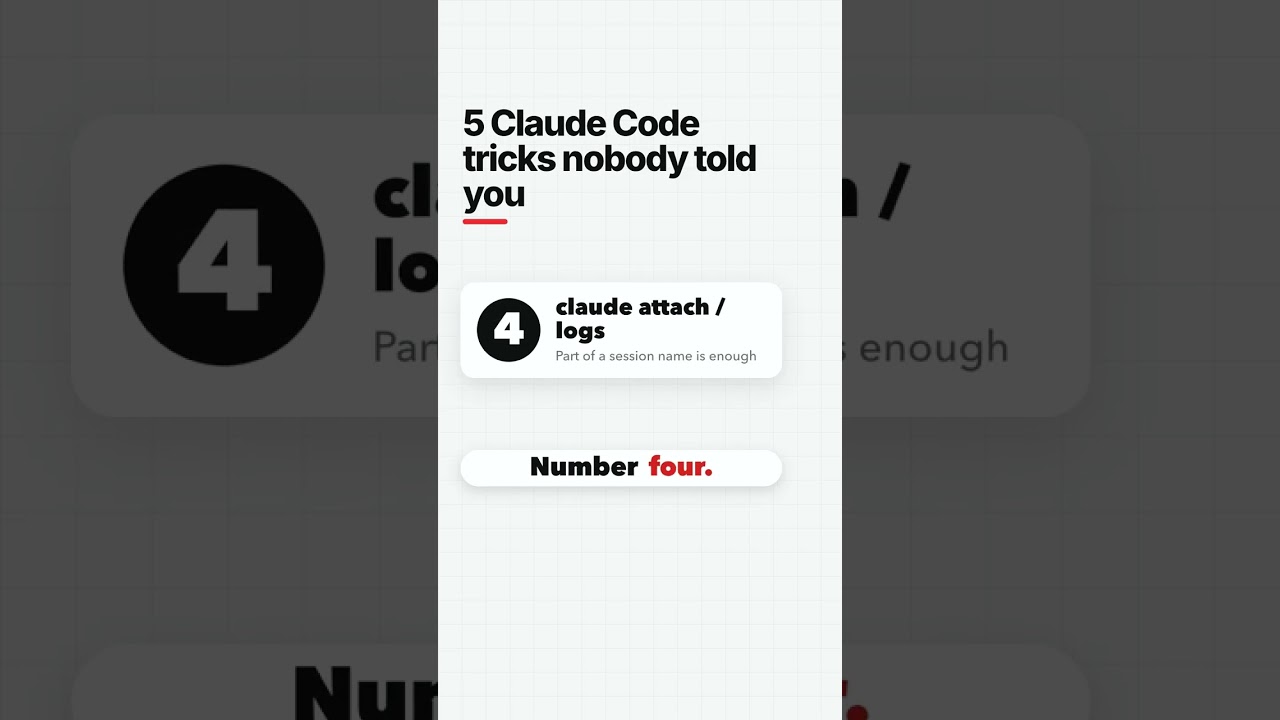
5 Claude Code tricks nobody told you

13 Oct 2026 · 1 min
0:31

In this brief tutorial, Angel Pichardo shares five lesser‑known shortcuts and features for using Claude’s interface more efficiently. He demonstrates how to recover a cleared prompt with Ctrl+C then Up, locate sessions quickly with Ctrl+F, navigate between agent groups using Alt+Up/Down, understand how "Claude attach" and "Claude logs" influence session naming, and use the /rewind command to list recent prompts while Claude processes. He invites viewers to comment for a cheat‑sheet.

More from Angel

0:29
youtube.com

Follow up should not depend on your free minute.

13h ago
0:20
youtube.com

The first agent every small business should build

19h ago
0:16
youtube.com

At Pichardo HQ, my AI is not allowed to message anyone until I say yes.

1d ago
0:22
youtube.com

BYTE, the boss that routes every task

2d ago
0:31
youtube.com

Lead found, texted, replied, demo site built, checkout

2d ago
0:36
youtube.com

Meet the AI factory that runs my business

2d ago
4:44
youtube.com

I Fired Myself: Inside My AI Agent HQ

2d ago
0:13
youtube.com

The AI receptionist

2d ago
0:16
youtube.com

9 PM call? The AI squad handles it

3d ago
0:22
youtube.com

4 lead magnets you can make in one hour

3d ago
0:29
youtube.com

Turn one customer question into a week of content

4d ago
See all content