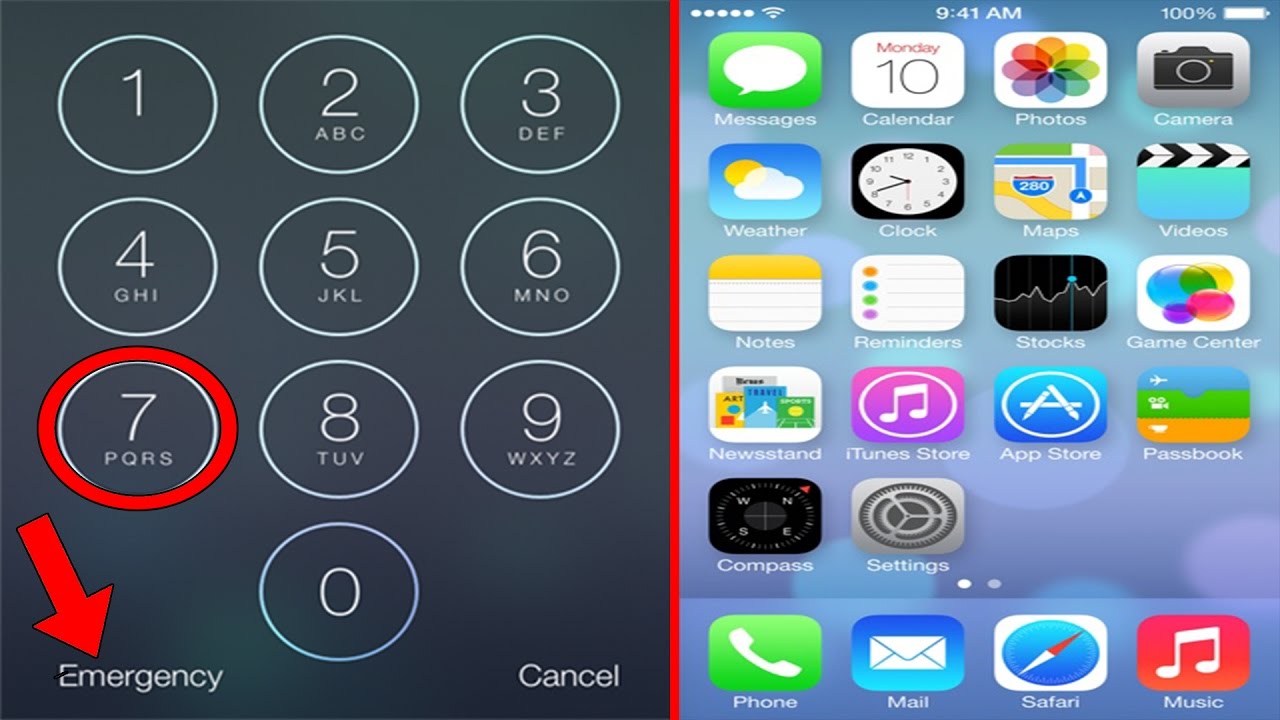
A host tests seven viral iPhone unlock hacks from YouTube and finds they all fail. Methods using Siri, Reminders, FaceTime, and accessibility features don't work because iOS patched them or the UI elements don't exist. The video exposes how millions watch these tutorials despite none actually working.
Chapters
What's up guys, chances are at some point or another while you were on YouTube, you saw a video titled "How to unlock any iPhone without the passcode." So what we're gonna do is I'm gonna react to about 7 of these videos and we're gonna test them on my iPhone and see, you know, if one of these work. I mean, they have millions of views, one of them has to work. And for every video I react to that doesn't work, I'm gonna smash a laptop, and I have a pile of laptops over there because I have a feeling a lot of these won't work.
Out. There's no gimmicks, BS behind this. So what you're gonna want to do is ask Siri, what time is it? What time is it?
Hey Siri, what time is it? The time is 2:57 PM. Okay, did step 1.
It now provides you with a time in which you can select.
Select.
And it will bring you to this. And okay, what you're gonna want to do is push this little plus button in the top right corner.
Press the plus.
What you're gonna want to do is type in SoFlow and So slow. And next, what you want to do is select this, select all, select all the option to share in this top right corner, select share.
Alright, well, it looks like this doesn't work because he said select all and then press share, but share is not a feature on my phone. It just says copy, paste, and cut. Therefore, basically this video doesn't work. Why did it not work? All right, let's watch video number 2.
It's an iPhone 4, just don't judge me lads, I'm getting— I, well, I do have an iPhone 5, but it's being sent off at the moment. What you're gonna do is you hold down this button. Right, now what you're gonna say—
well, you—
what? So basically you You're gonna hold down this home button and what you're gonna say is, uh, what's the time, Siri? Okay.
Okay.
Siri, what is the time?
No match found. So that's the video. He made a video titled "How to Unlock Any Smartphone Without the Passcode," and it was just him putting his phone in a sink. These stupid iPhone videos. I hate 'em. All right, so video number 3 is titled How to Unlock Any Mobile Phone Without Knowing the Passcode. And it's pretty weird that what would work for an Android will work for an iPhone, but according to this video, it works for every phone.
If you have— if you know your Gmail ID password, then you can unlock it through Gmail. Just switch off your phone.
Okay.
You can unlock any of your phone. Now what you have to do is to open your phone in a recovery mode. To open it, you have to do is press power button.
Okay, hold down the two buttons.
Okay, like start.
None of those are a feature on an iPhone. So basically he made a video titled how to unlock any phone, doesn't work for an iPhone. Oh, what a shock, this one didn't work either. Will they ever work?
Without further ado, I'm going to show you how to unlock any iPhone device.
I'm ready, boys. Let's do this.
In a few simple steps, you can get from the lock screen to the home screen. Siri, what's the time?
It's 19:54.
Hey Siri, what's the time?
Good evening to you too. Okay guys, once you're here, you want to click on this. Then once you've done that, you're going to hold here. You're going to say select all, copy.
Select all, copy.
Once you've done that, you're going to want to close that, reopen it. You're going to say select, close it, reopen, leave it for a few seconds, leave it for a few seconds, process it, let it process it. Touch out. Okay?
Okay.
Remove everything and voilà!
It did not work for me. Um, yeah, it didn't work for me. Oh, what a shock. I just want to get in my iPhone 1. The home button and say Remind me. Remind me.
Okay, just tell me what you want to be reminded about.
I will wake up tomorrow at 11 PM. I will wake up tomorrow at 11 PM.
I'll remind you.
All right, now we're on this screen. Siri has hooked us up with the reminders. You're gonna hit that reminder. All right, so there's our reminder. Alright, and the video already doesn't work. When I tap on the reminder like he says, look at it, it just brings up this. So whatever he was doing in this was patched even though— How to unlock any iPhone without the passcode, my butt. Alright, time for video number 6 I believe, not quite sure. This one's titled "How to unlock phone without knowing the passcode/pattern, password/pattern." It says phone on the iPhone running the latest iOS 10.2.
Now I'm not a hacker, I don't claim phone here. Go to my contacts. And FaceTime myself or FaceTime the phone number that we're targeting, the phone that we're targeting here. Let's FaceTime it.
There it is. Okay.
Hey, I'm trying to just test something. Can you just call my phone like FaceTime? I'm not going to pick it up. Can you just call it with FaceTime?
All right.
So the guy said to have someone FaceTime the phone and then he said create a click custom message. All right. So my friend's FaceTiming me. So I'm going to hit message. I'm gonna hit custom. Okay, now let's see what the video says to keep doing. As you see, I'm at the same screen he is.
Not a big deal, I can reply from here. What I have to do now is go ahead and enable VoiceOver using Siri as well. The phone is still locked. Enable VoiceOver.
Enable VoiceOver.
Okay, so VoiceOver is on. This is an assistant accessibility feature. Tap on Apple. Double tap, hold it. Double tap, hold on the keyboard. Apple.
Text field.
Message. Text field. Editing. Text message.
Insertion point at start.
Apple.
Text field.
Until I get this text field to recognize that I'm tapping on the keyboard. It's a bit complicated, but it is possible. You try.
I've been doing what he said in the video, but apparently they patched it. Because I've been doing it for at least 10 minutes now and it's not working what he did. So, uh, yeah, obviously they probably patched it because this video is a couple weeks old. So yeah, it's official, guys, you can't unlock an iPhone without the passcode no matter how many clickbait videos you see. The fuck? My girlfriend's phone again. Hey Siri, what's the time? Oh, so yeah, guys, I watched 7 different videos on how to unlock an iPhone without a password or passcode None of them worked. None of them worked. And I have a feeling no video on YouTube shows you how to unlock a passcode on an iPhone, which is kind of ironic because there's hundreds upon hundreds upon hundreds of them on YouTube, yet none of them work anymore, and all of them still are titled like they do. In fact, it's even more ironic that I'm going to use a video where I talk about these people lying so I can lie in the title and get a bunch of views about unlocking iPhone. And, uh, I'll see you guys later.
Bisou! Mister Bisou!