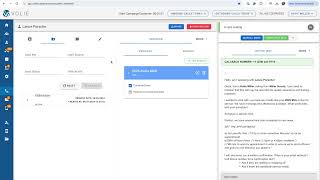
A walkthrough of the Prospects tab in a lead management system. Learn how to view lead history, search by status or vehicle VIN, and access contact details and comments for each lead.
Next we're going to look at the Prospects tab. The prospect area is important if your team is working sales or service leads. If you click on the Prospects folder located to the right of the contact info, you will see the lead history. You can also search by the lead status or vehicle vin. Within the prospect information, you'll be able to see the date and time of the lead, the lead source. So when did the lead come in and what is the originating source of that lead, the contact that is inquiring about the vehicle, and also any lead comments. So if the customer made any specific notes when they were submitting this lead, we would be able to see all of that information within this Drop down. Sam.