How To Enter A Course Class Into A Student Record | Custom Canine Unlimited

In this instructional video, the presenter walks through the process of adding a course class to a student’s record using the Custom Canine Unlimited portal. After logging in at www.customcanineunlimited.com/STD/login.php, the user navigates to the “Course Classes” table, clicks “Add New,” and selects the class date. The student is chosen via a dropdown or by typing the first three letters of the first name; the list is alphabetical and includes the student’s agency and location for verification. Next, the appropriate course is selected—also searchable by the first three letters—and the presenter confirms the course start date and the student’s agency details before attaching it. The specific class taught on that date is then chosen, the trainer’s name entered, and finally the record is saved. The tutorial emphasizes careful verification at each step to ensure the correct student, course, and trainer are linked.
Chapters
More from AJ

Running vehicles with K9 Chidori#workingdog #detectiondog #workingmalinois #malinois #drugdetection



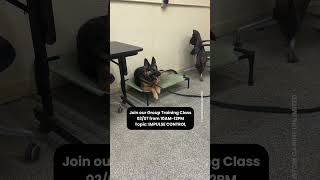
Join us for group training this Saturday! Sign up on our website. #DogTrainer #DogGrooming





It’s not too late to sign up for Group Training! | #dogtrainer #dogtraining #trainyourdog

K9 STEVE | Explosives Detection 💣#workingdog #policek9 #detectiondog #edd #trainyourdog