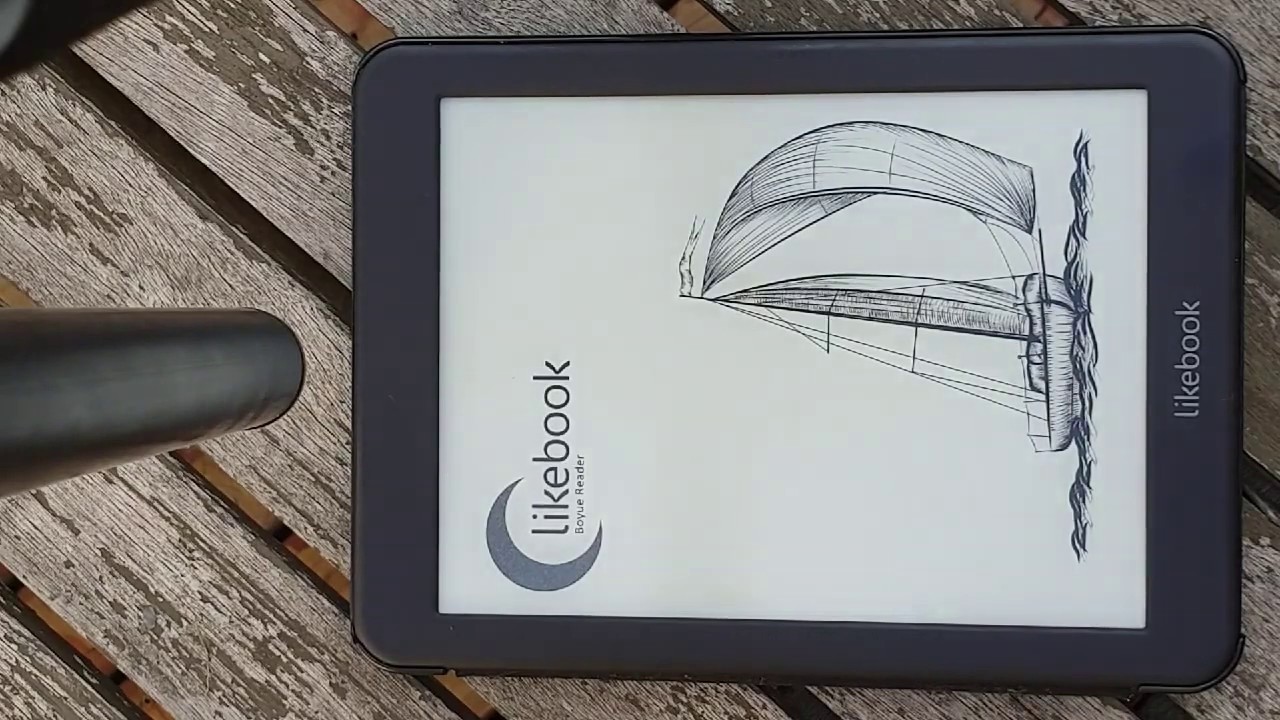
Dave Edgren demonstrates Accordance Bible Software running on the Likebook Mars e-ink tablet. The 7.8-inch display handles Bible versions, commentaries, and parallel resources smoothly, with adjustable backlighting for day and night reading and support for both on-screen and Bluetooth keyboards.
Chapters
I actually bought this Likebook Mars to use Accordance. I also use it for other things like Kindle and what else you can see here in my apps list. A number of things: Bible software, Instapaper. You can look at my other video about it for this, but this one I'm focusing on Accordance. Here it is loading up. Android 6.0 lets it run Accordance quite well. You can see here we've got New Living Translation open and just just put the commentary away so you can see the Bible scrolling through here. Scrolls pretty smoothly. It's nice and clear to read. Switch versions. Holman Christian Standard. Now add our commentary back in, and then we've got the BK Commentary down the bottom there. And I had some fun here making it bigger so you can show that with a pinch or a pull, you can make the text bigger and smaller, and it just got really big. So that's good for those of us who can't find our glasses. But when it's small, it's quite readable. 300 dots per inch is very, very readable. Right here, it's sitting outside in the evening light, and the backlight's not even on. But there are two backlight settings. There's a blue backlight and a yellow backlight for outdoor and indoor, or Daytime, nighttime. Here's the commentary selection. You choose which one you want and it kind of follows you. It's really good. It's just like on your phone if you're used to using Accordance on your phone. And there's your Easy Install and your Accordance Store and everything. It just works just like on your phone. You can set up— because it's black and white, you can choose your colors. You can play around with it and choose colors that suit the black and white look. I find just using black for everything is really nice.. But you may like to have subtleties of gray. Here we're switching to a different version of the Bible. And then we'll try a commentary. It's a Christ-centered exposition. And as you look up various things, here's all your resources, your reference tools. It's pretty fast. You can see it goes pretty quick through things. You can read them like books, which is really nice. This, um, Mars is 7.8 inches, and it's just so much nicer than the Kindle size for reading, um, as if you're just reading through a textbook. It's much the same as the size of an actual book, and I really like it, except you can pop up your Bible verses, which is much better than a normal book, um, which I, I've just really been loving. I have read so much more. Of the content in Accordance because of this little device. So I would highly recommend getting it if you enjoy just perusing your resources and scanning through them. For some reason I thought I would try a search in a commentary that only lets you do books, so I fixed that by saying— oh, here's the keyboard anyway. You can see how the keyboard works. It's quick. You can also hook up a Bluetooth keyboard, which works really well, Bluetooth headphones, There is no speaker in the device, but headphones work beautifully. Revelation pops up, the Book of Revelation, and this is in that commentary we were looking at. And then if you jump through, you want to read like a chapter of a book rather than just, you know, how we often use Accordance as parallel resources, you know, to see what it says on this verse in this book and this book and this book. But sometimes it's nice to open up a section and read it as if you have the real commentary lying there in front of you, and you just kind of get sucked into it and want to keep reading and reading. So here we are just loading something up, and then you can scroll through and just enjoy the commentary or the resource or the Bible or whatever it is that you happen to be using in the time. There's the Bible verse popping up again, just to show you up the top there. And then if you want to go to the Bible verse, brings it right to there. And then once you're done reading it, you just hit the back arrow and it takes you back to the resource that you're reading. You can see it's a little bit slow, um, thinks about things sometimes. But with text, most of the time you want the page to sit still so you can read. So it's not about speed so much, but it is nice. The Likebook has 8 cores, which you wouldn't think you would need that much, but it is good for loading things up and having things in the background and being able to switch between apps fairly quickly. Switch resources again, different commentary. This I was just showing, if you scan the Bible, it also flips the commentary following the verses so that you can stay live with the verse you're reading and the commentary verse on that verse. So that's the Likebook Mars using Accordance, and yeah, I would highly recommend it.