Dave Edgren reviews the Even Realities G2 smart glasses and R1 ring as a hands-free teleprompter for speakers and preachers. The core Teleprompt app freezes frequently, but rebooting your phone before each performance fixes it. Slowing the text speed from 200 to 140 words per minute improved his audience's comprehension.
Chapters
These are the second-generation smart glasses from Even Realities, the G2s. Most people see a pair of sleek titanium-framed glasses. Those in the know see non-invasive tech that provides visual access to your notifications, news, and notes. Stepping up the capabilities, Even has added AI to the G2s, which provides greater immersion in the world around you through visual translation of any language to written English, live and lagless. Or if you spend most of your time in your own language, you can use Conversate to subtitle the people speaking around you. As the conversation continues, AI jumps in providing a summary, action points, and even a to-do list for meetings. With all these features being helpful as they are and great at impressing friends, I have a very different reason for using and loving the G2 smart glasses. As a professional storyteller, the G2s set my hands eyes, and body free to perform. The G2s are the ultimate tool for public speaking. I've been using my G2s along with the R1 SmartRing to deliver full-length sermons. As an early adopter, I expect issues with my tech, but a simple teleprompter shouldn't need very much help, should it? All it needs is to load a text file, a few bytes in size, from the G2 memory and scroll, right? Not at Even Realities. They need to get AI in the mix.
Why?
And they want the phone app to control the file. Across Bluetooth.
Why?
Unfortunately, the G2s' more trendy AI tools like Translate and Conversate get the lion's share of the tech team's attention. I can imagine, with the complexity of AI, languages, listening, and transcription, the G2s would have their fair share of bugs to work out. So they focus their tech time there. The Teleprompt app is simple. It displays a file on the glasses. And moves along at an auto set word per minute rate, or manually with the ring, or an external clicker, or cringe horror, using AI to listen to you read it and follow along. Why? Because we can. If EvenRealities just did away with the AI mode, which is annoying anyway, and kept it like a real teleprompter, the tech is minimal. In early tests, I ran into freezing and black screens. Not what you want when you're halfway through a script in front of 200 people. I tried so many things. Finally, I discovered that the only way to ensure 100% reliability was a fresh reboot of my phone. Before every single performance, I shut off my phone and boot it up again. This clears the cache and eliminates unnecessary background processes from other apps, and gives Bluetooth a fresh connection. Since I started doing this, I haven't had a single crash— on the first time I use Teleprompt. The second try? Another story. No seconds, just restart everything every time. If you're using these high stakes for these, for high stakes speaking, reboot first. This past Saturday, I preached for 2 services using the Teleprompt app with a reboot between each presentation. Everything worked perfectly. I felt a bit cheeky using the glasses without letting people know. So I did let them know. Here's a disclaimer that I used before I started. So before I start my sermon this morning, a little disclaimer.
I am an early adopter, and I'm wearing technology on my face. It's a teleprompter. It's out here. Not yet, but it will be.
And it usually works.
So if it doesn't work, if it stops, I'll shift over to my notes. But it sets my hands free, and I'm really enjoying it. So, just so you get that. And also, I didn't memorize all this, so don't be amazed.
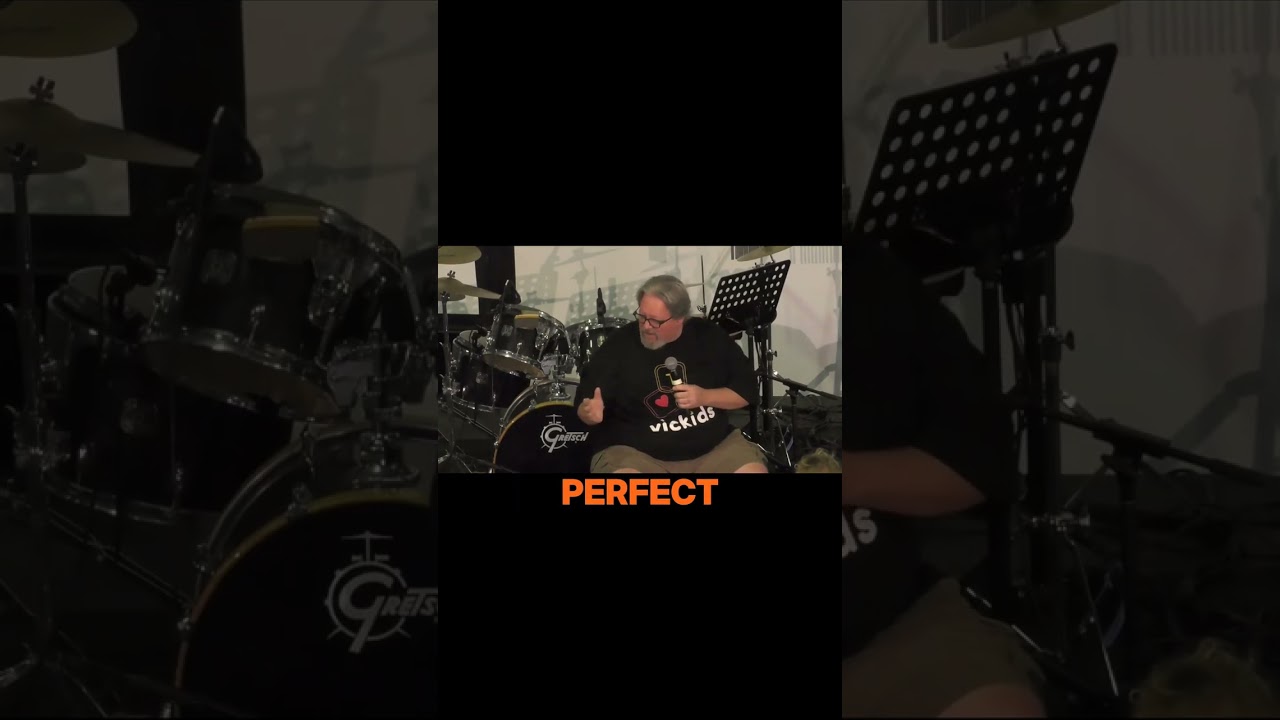
Afterwards, everyone wanted to talk about the glasses, try them on, and discuss the content of my sermon. That was the one thing that really stood out for me. More people engaged with the sermon because I engaged with them from the stage. People said it felt like I was talking to them, not reading at them. Because the script is floating right here in my line of sight, I never lost eye contact with them. I was able to look from side to side at different people in the audience and keep a steady pace. I talk fast. The sermon I preached a couple weeks ago clocked in at nearly 200 words per minute for 32 minutes. For the audience, that's an intense listening session. I divided the word count on my YouTube transcript by the number of minutes in the sermon video. 199.75 words per minute. People often say that I speak too fast. Now I believe them. So I set the TelepromptAMP app to 140 words per minute. This pulled me back from Mach 3 to just Mach 1. And it was noticed. One elderly lady said, "Thanks for going slower today. I followed everything." My 26-year-old son said, "You should do voiceover work, Dad. That was amazing." I had never considered a teleprompter could help my pacing, but it really does. I'm reading this script to you at 140 words per minute. Nice, right? Now for the fun stuff. The G2s are great, but there are a couple of things that mine can't do. The out— while you can turn the brightness up to painfully bright, the G2 screen is not ideal when backlit. Direct sun is tough. Dappled light is sketchy. I found a pair of over-sunglasses that fit perfectly over the G2 frames. They protect the tech and keep the text crisp even in broad daylight. I'll put a link below for the sunnies. The do-it-yourself bifocals. I need a +2 zoom for reading, but I bought distance lenses in my G2s. So I ordered a pair of half-moon +2 reading glasses, snapped off the arms, and carefully inserted the lenses into the G2s. Frame. It worked, but it was flimsy. I also bought some +2 plastic bifocal inserts. At first they were blurry, then someone said spray the glasses with lens cleaner spray before applying the stick-on lenses. I can read comfortably now through them. They're not as good as proper glasses, but they do work while I'm wearing the G2s. The R1 ring is the unsung hero here. It is very nice to subtly scroll through the menus, news items, and G2 apps The only other option is the trackpad on the arms of the G2, which is neither subtle nor convenient. Also, when using Auto Teleprompt, the ring allows you to scroll back and forward in your script. So that's a storyteller's review of the Even Realities G2 glasses and R1 ring.
Are they worth it?
Absolutely. Will there be a learning curve? Yes. Do they do other things? Sure. There's a navigation app, an AI chatbot, notifications that automatically pop into your view of new email headers, text messages, phone calls, and any other apps you choose. You will want to turn off notifications while using Teleprompt. Imagine accidentally reading a text from your wife while doing a presentation. Also, you've got a clock, your calendar, a to-do list, and the weather strapped to your face, so less reaching for your phone. While I don't wear them as my daily drivers—I should have ordered multifocal lenses for that—I do wear them a lot. The G2s are easily the best wearable tech I've ever owned. If you're a preacher, teacher, storyteller, or just a tech enthusiast, don't let the early adopter hurdle scare you off. A quick reboot and some do-it-yourself hacks and all is well. Thanks for watching. Now go tell a better story.