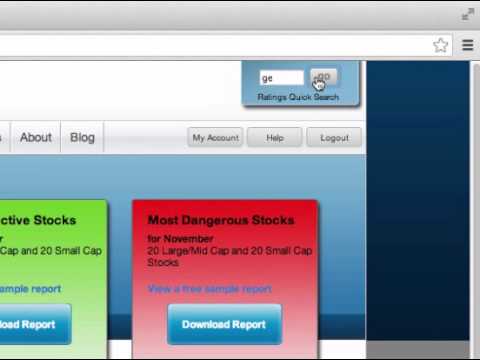
In this brief tutorial, the presenter walks viewers through the process of generating a company model on the New Constructs platform. The steps include navigating to newconstructs.com, logging in, entering a ticker symbol into the Ratings Quick Search box, submitting the search, and then clicking the Company Model link located beneath the company's ratings table to generate the model. The video concludes with an invitation for viewers to leave comments with any questions.
More from David




Earnings Recap: Decoding Signals from SpaceX, Palantir, Merck, AMD, Caterpillar, McDonald’s, & More

Watch Our Earnings Recap: Market Heavyweights Apple, Microsoft, Amazon, Meta, Visa, and More



Earnings Recap: Top Insights from JPMorgan, Bank of America, Taiwan Semiconductor, Netflix, and More


The IPO Melt Up: How Smart Investors Use AI to Find Abnormal Investment Opportunities