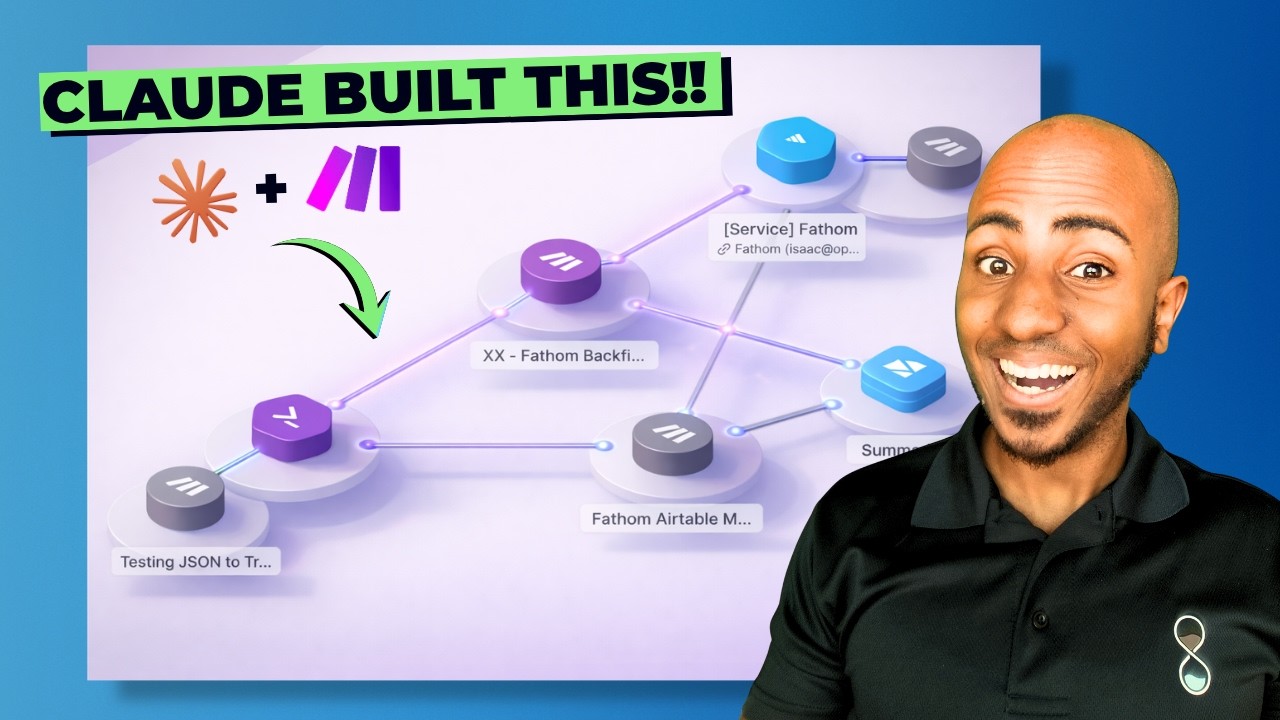
Isaac shows how to use Claude to build a Make workflow that automatically moves Fathom meeting recordings into an Airtable base. Claude inspects available modules, constructs the scenario with triggers and actions, and generates a link to the new workflow. Isaac runs it and hits an invalid access token error, showing that Claude can draft automations but users must test and fix them first.
Chapters
Hey, this is Isaac from upsell.co, and in this video I want to share with you how to get Claude to build your automations for you. This is something I've been playing with recently to start discussing with our team how we can leverage AI to automate a lot of our own work and deliver faster for clients. And what I learned is that Claude actually has an integration with Make, and you can build and update and just effectively through a conversation build the automation and test it for yourself. It's not perfect, but I want to show you how to do it. Okay, so if you go to connectors, you'll notice that of course there's a lot of connectors already within the platform. If you browse connectors, you'll find Make available as one and you'll be able to connect it. You'll have to just click on connect and it will effectively move you to the login page that you can log into your account, and then you'll have it connected. Once you do, there's a series of permissions that you might give the tool. So in this case, for example, I'm allowing it to effectively get, uh, list my connections. Actually, I think that I could probably allow it to do that without an issue, but the one that is most important for our purposes today I wanted to be able to get scenarios. I wanted to be able to activate, create, run, and update scenarios. Actually, I'll ask it to require my approval in order to update, just in case it updates the wrong one. But now effectively what I can do is start a chart— a chat, and I literally took a recent example that I actually wanted to create for our business, which is we use Fathom for AI meeting note takers, and I wanted to push all of that to Airtable. So I just started a new scenario here. Actually, let's, let's actually ask the AI to create it for us from the very beginning. Hey Claude, can you please create a Make scenario in our account that takes all of our Fathom meeting recordings and pushes them all to Airtable. We've created an Airtable base called Meeting Summaries, which is the ultimate destination where we want both transcript summary and all the metadata that we may need for that. Please create it for me and just give me the link so I can take a look at it. So let's just send that to Claude. Let's see what he has to say about it. And this is an automation that actually I started. Let me see if I can find in the meantime the kind of conversation I had with it in order to create it. I first started talking with it in terms of, hey, this is where I am at some point. You know, I share some screenshots. At this point, I wasn't really using it for to build or update. But then I realized at some point I actually could, uh, just give it the link. Hey, I want to experiment here. I've created automation. Here's the link. Start working on it. And literally started doing that. So I was, uh, it's not perfect, uh, but I was surprised. And we're still waiting here While it creates the first version so we can take a look. Okay, so it looks like that first prompt for some reason got stuck quite a bit, so I'm trying again. And you can see that now it's asking me for the various actions it wants to do. So here it's kind of listing the organizations, listing the connections, and getting the context it needs to know where to build and what tools it has to actually do so. So Because I allowed it to. Okay, let me check what Fathom and Airtable modules are available. It's kind of reading through, and this is literally what an engineer would do, right? It's like, okay, I have to create this. Let's go to the account. Let's see if the connections are available. Okay, they are. Check. Otherwise, at that point, it probably would've said, hey, sorry, you don't have connection for those tools. But after reading through the connection, it goes into the Fathom module and Airtable module says, What actions or triggers are available, right? It's kind of, that's kind of what it's doing. So you can see how with a pretty simple prompt, it's thinking like an engineer and going through the steps that one would in order to create an automation. At this point, seems to be creating it already. I wonder if it's going to be biased because I created it already, or if it's going to reference that one that perhaps Something to consider, but I can see that it's had kind of creating the schedule as the first step to have it daily. And wait, we just have to wait and see what it comes up with. Typically it's not perfect, you still have to test. But now that it's running, I will again pause for a bit and come back in a second. All right, so just a few seconds after I paused, look, it's just waiting for me to pause. It went ahead and gave me the link. I like that it breaks down what it did. Hey, I listed the meetings, I got the summary, I got the transcript, I got a code. I create— I think it might be biased. I wonder if it actually would've done it just like that without this automation being present from before. But these are literally the exact steps I thought through. So essentially it's listing all the recordings, formatting them properly, getting the summary, getting the transcript. Here, this piece of code, it's taking the transcript and just formatting it properly because the transcript is sort of like a big array. Let me actually run this once. Oops, invalid access token. Let's try that again. Hmm, let's see. And this is where I guess engineering channel will still go anyway, right? Um, troubleshooting and getting this to run. And I'm gonna go into the details of that. I just wanted to see and share with you guys how it can like create the first draft from which of course you have to test, make sure it's performing properly, turn it on and move forward. So that's just a quick video to show that hey, Claude can create scenarios and update scenarios as well. If you just paste a link, it'll know, extract the ID from it and know, and just can just walk it through where you're stuck. I thought that'd be helpful for you all. As always, I appreciate some comments or likes, any feedback, and I'll see you on the next one.