
If I wanted to automate a bookkeeping firm in 2026, this is what I’d do
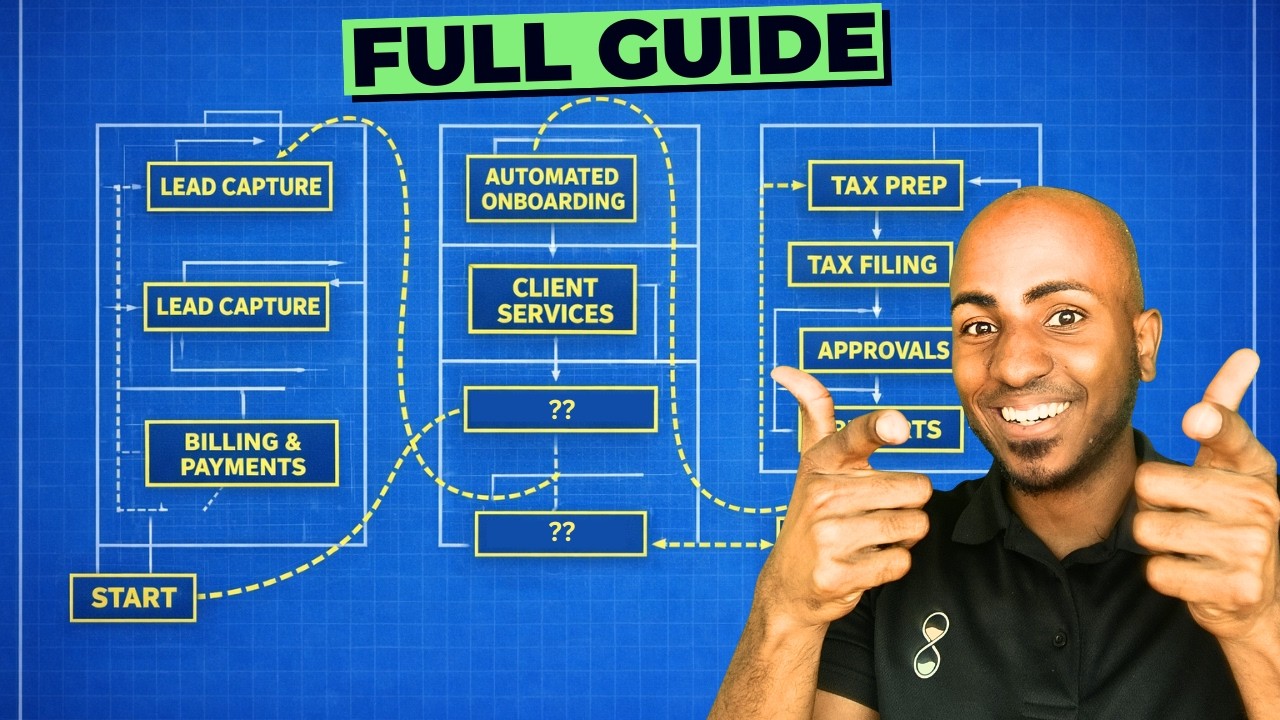
Isaac from Osi.co walks through seven steps to automate a bookkeeping firm: niche down to predictable industries, build a master chart of accounts template, create bank rules that auto-categorize 70-80% of transactions, map every data flow to find bottlenecks, design automated journal entries, use AI-driven QA checklists, and templatize client reports. The payoff: close books in 15 minutes.
Chapters
Hey, this is Isaac from Osi.co, an automation agency that helps firms close books in as little as 15 minutes and prepare business returns in as little as 32. And in this video, I'm going to share everything I would do to get the most productivity out of an accounting team, starting with number one, niching down. We've seen a lot of efficiency benefits when you start to serve one or a smaller set of type of businesses because now you can start to predict almost everything that you'll see when you open the file. Uh, you can start to think about the chart of accounts as standard transaction types, the integrations you'll need, and sometimes even some of the exceptions around it. So every step downstream gets easier because when you serve everyone, every client is a custom project, is a custom chart of accounts. You can't build bank rules around it. You can't templatize anything, and you can't write a QA prompt that's gonna work across 40 different client types. So if you're not niched yet, I would encourage you to look at your existing client base, and even if you have to select a few niches or industries that would cover most of your existing client base so that then you can follow the following steps I'm going to propose by those industries, that's fine too. It doesn't have to be just one. The idea is to standardize and reduce the number of options you have available so you can start to have some standards and work towards a more efficient firm. The second step, it's standardizing your chart of accounts. What one client might call payroll, the other one calls wages and salaries, the other one calls labor costs, and nobody agrees specifically on what are all the accounts that are needed, their codes and their names. So what we've seen a lot of our clients do is have one master chart of accounts template, and that's easier if you've gone through step 1, and then you can apply that for everybody. A lot of benefits to it, but of course you'll have the same structure across all clients. Bank rules now may transfer, Reporting templates are gonna be the same across the board. Every engagement now is standard. We have some clients, for example, that are in the automotive niche or are in the campground niche or in the pest control niche, and they all have a standard chart of accounts that they've been able to build. And even though, sure, some clients might have exceptions, it's at least the 80/20, the 80% of most clients that they can start with as a starting point and then add exceptions. After that. Not surprisingly, a chart of accounts also helps you with step number 3, which is starting to build your bank rules. This is something we've seen a lot, like you have a team of bookkeepers perhaps going into each file and starting to book transactions, but they don't think about what are some of the rules that they can put in place to be able to start to automatically categorize most of the transactions that are already there. And those rules can work at a few different levels. You can have global rules that apply to every client, especially again, if you follow step 1 and 2, this becomes a lot easier because you might have a set of bank rules that now you can apply from the very beginning once you onboard a client, if they're in your niche. And now all of a sudden when a bookkeeper opens the files, there are 70, 80% of transactions that are already categorized for you. And whenever rules can't actually be built, because there are some exceptions of course, or where client context is needed, then you can follow a separate process to be able to ask the client for those specific transactions and then be able to follow up and categorize that as a result. But again, 70 to 80% of transactions, if you do it right, should be able to be managed through a series of global rules that apply to everyone and a series of client-specific rules that you can actually define at the beginning and the outset on the onboarding of the client. Now let's go into step number 4, starting to map the data flows. Before you start to automate anything specific, we recommend that you start to map out and understand what the process looks like. And specifically, once you're talking about accounting and your month-end close process, where does every piece of financial data come from and where is it supposed to land in your general ledger or in your accounting software? So you start to map out, for example, sales. Where do sales come from? What are the different channels? Bank feeds. Do we have bank feeds available? For which banks do we do and for which banks do we not? Payroll. Where does payroll come from? What are the different payroll providers that our various clients use and how can we start to assess which one of those are integrated or not? AP and AR, sales tax, loans, fixed assets, project accounting, and on and on and on. You can effectively look through the entire balance sheet and income statement, start to assess each one of these things. Where does it come from and where should it land? Some of it will be another software or another website. So for example, if you work with e-commerce, from sales is going to be their Shopify, their Amazon, their this and that. In other cases, might be a specific website if you have to, for example, Like a specific loan provider. Some of it also will come from the client and you can start to map that out. Each of these data flows, where does it come from? Is it syncing automatically today or is someone doing it manually? Most firms haven't really taken the time to map this, and this could take literally a 90-minute session, uh, to map it out. This is something that probably lives in someone's head at the moment in your firm, but when you map it, you start to see every manual step and start to assess where are the bottlenecks and where are the automations. Waiting to be built. Now, after you've matched each flow, that's where you can start to think: Is that thinking automatically? And what specifically do I have to create as a result of this? For example, we've built quite a few flows for sales tax where there's a specific adjusting journal entry that needs to be that needs to land into the accounting software at the end, right? So effectively, these clients are getting from the POS reports or whatever other systems the sales tax reports, and they. At the end, effectively you have to create a journal entry in QuickBooks or Xero to make that match. And this is where you can start to define everything each of those lines and data flows has to turn into so that your bookkeeper isn't reviewing everything. They're just working with a short list of things that need their judgments. All of a sudden you can say, hey, the bank statement on this date is matching this. That's clear, doesn't need to be looked at. The payroll came from the software. We have a mapping table to automatically allocate that payroll on the client. Classes or departments that we need to do that for. Boom. And they just have to start to become almost like the manager and orchestrator of the system rather than having to do each individual thing manually and entering data in. That's really where the whole idea of like a 15-minute close could be even possible in the first place. It's not necessarily cuz the books are simple, it's just because you have a review layer that shrinks down to effectively just a few decisions that require human and everything else In between, someone is, or the system automation integration is taking care of. Moving on to step number 6, which is standardizing QA. This is one of the biggest and most impactful AI use cases that we're seeing, which is saying, hey, we have in our mind a process that our reviewer follows, or our accountant follows, or our partners follows when a financial statement is ready for review. To pass it on to the client, but they haven't really taken the time to say, okay, what is specifically our QA process? What miscategorizations are we looking for? What would be an unusual balance? What would be a transaction that's missing? What is a significant variance if we're looking at certain accounts from month to month? That criteria of what counts as off, they haven't clearly articulated yet. And when you do, that allows you to run the AI through your client's financial statement and you start to have a clear way in which you review your financial for your clients before they make it out the door. So start writing down what you actually look for. What is a threshold flag that needs a second look? What is a significant variance in your case? What are some accounts that you believe shouldn't have a transaction missing? And start to list out what is your QA criteria and tune— turn that into A prompt, because that's what's going to help you effectively take and be much more confident that you can just run a file through that list of things and it will come up with a short list of issues you need to look at. Then what we actually do is we push that into your system so that then it doesn't become like a copy paste for every client, but instead you have a way to say, hey, on the 15th of the month, pull all the financial statements from our clients, run through this checklist that we've developed and anything that's not matching any of those items, then push it into our project management system or project or practice management system or Carbon or Teamwork or ClickUp, whatever it might be, pushing that into that system so that now on the 15th of the month, you're effectively, your team wakes up and just sees the few things that need attention. And I should say one of the other benefits is that now you can update this prompt as you learn. Or more, and you get it more accurate. So rather than you having to go into each individual team member to teach them what to look for and teach them how things should be reviewed, now you have a prompt that you can adjust over time. And the moment you see something that wasn't caught properly, an issue or a mistake or inaccuracy that was left unresolved in your client financials, you can go ahead and make sure to add that into the prompt so that the next time it's catch, and it's catch not only for the team member that did the stake, but for your entire firm. And step number 7 is to templatize your deliverables for your niche, making sure you have the same report package, the same cadence, and the same format. This can sometimes be easily done with a third-party tool. Some of our clients may use something like Sift, Rich Reporting, LifeFlow. There's a couple of others, but the idea is that client knows what to expect and you don't have to customize a deck every month. It also makes it a lot easier for you to have those advisory conversations because you know the format of things as opposed to like trying to make it on the fly. Now I wouldn't recommend you try to do all these 7 steps at once. For most people, it would make sense to start step 4, which is mapping your data flows. I promise you'll find manual steps you didn't know you have. It's just if you just sit down for an hour and map this out with your team. I happen to have a video on the topic of process mapping which you can see on the screen right now. If you want us to look at your specific firm, we do efficiency audits as firms. So feel free to check that in our website in the link in the description. I'll see you on the next one, and as always, stay efficient.
More from Isaac




This Boring AI Automation Could Save Your Accounting Firm 40 hours (But most ignore it)

How to Build AI Systems With Claude (So Your Accounting Firm Runs Without You)





