
How to Setup A Routine On Graber Motorization App | Best Buy Window Treatment | South Florida
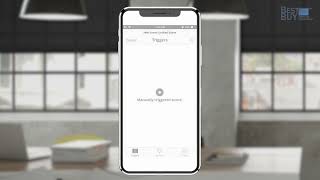
Learn how to set up routines in the Graber Motorization app to automate your motorized shades. Create schedules or manual routines, group multiple shades together, and choose when they open and close, with options for immediate or delayed execution and travel mode.
Chapters
More from Ergun


Beyond Aesthetics How Artisan Drapery Saves Energy | Best Buy Window Treatment #shorts
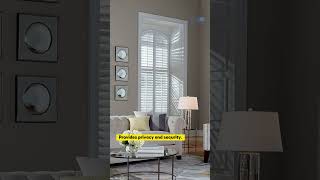
5 Reasons Why Plantation Shutters Are Perfect for Florida Homes | Best Buy Window Treatment #shorts

Bali | How to Install Solar & Roller Shades w/ EasyTouch Lift & Flat Valance (Inside Mount)

Bali | How to Install Solar & Roller Shades w/ EasyTouch Lift & Flat Valance (Outside Mount)



Bali | How to Install Solar & Roller Shades w/ EasyTouch Lift & Contour Valance (Outside Mount)
Smart Choices: Motorized Roller Shades by Graber | Best Buy Window Treatment #shortsvideo

Woven Wood Shades & Graber App for Easy Comfort in Florida Home | Best Buy Window Treatment #shorts
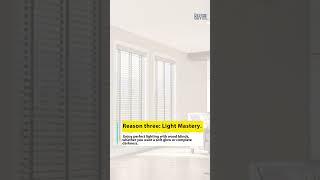
5 Reasons Why You Should Choose Wood Blinds for Your Windows | Best Buy Window Treatment #shorts