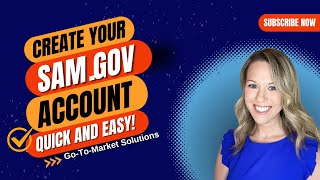
A short, step-by-step tutorial transcript explaining how to create a SAM.gov user account. The video walks users through navigating to sam.gov, clicking the Get Started button, creating an account (email confirmation), choosing a password, setting up an authentication method (text/voice) with phone verification, accepting terms, entering profile information, optionally assigning roles, and reaching the My SAM page.
Chapters
Welcome to our quick guide on how.
To register in SAM.gov SAM.gov is your.
Gateway to government contracts and financial assistance. Let's get Started. First, open your web browser and go to the sam.gov website. Once you're on the home screen, look for the green Get Started button under the section Register your entity or get a unique entity id. Click that button. On the before youe Get Started page, click the green Get Started button on.
The right hand side of the screen.
On the next page, choose Create an Account, provide your email address, and select your preferred language. Then click Submit. Check your email inbox for a message from SAM.gov, open the email and click Confirm email address.
Create a strong password following the recommended requirements, and then click Continue. Choose the recommended authentication method text or voice message, and click Continue. Enter the phone number for receiving the authentication code via text message, click the box for Text, and click Send Code. Once you receive the code on your phone, enter it in the space provided, and click Submit.
You'll see a confirmation that you've added your first authentication method. Click Skip for Now. At the bottom of the page.
Read over the terms and click I agree to the SAM.gov user access terms. Then click Next. Go ahead and enter your profile information and then click Next.
Assign roles within your company, such as submitting proposals or searching solicitations. If this doesn't apply to you, you can just click Skip and Finish.
Congratulations.
You've successfully created your SAM.gov user account. You'll be taken to your My Sam page. Now you're all set to explore government contracts and financial assistance opportunities. Thank you for watching, and don't forget to subscribe for more helpful gu.