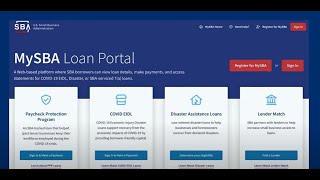
How to submit a reconsideration request for SBA disaster assistance
20 Jun 2024 · 1 min
1:06
If the SBA denied your disaster loan, read the decline letter to find out why. Check your application for errors like wrong Social Security numbers or financial data mistakes, gather documents that address the issue, then submit a reconsideration request through lending.sba.gov with your supporting files attached.
Chapters
More from Your







youtube.com
President Donald J. Trump and First Lady Melania Trump Visit Grieving Texas After Deadly Floods
10mo ago

youtube.com
💪 Thinking of starting a #biz? Go for it! — Kerry Boyle, Vermont #SmallBiz Person of the Year
10mo ago

youtube.com
President Trump Participates in a Bilateral Meeting with the Prime Minister of Canada, May 6, 2025
10mo ago

See all content