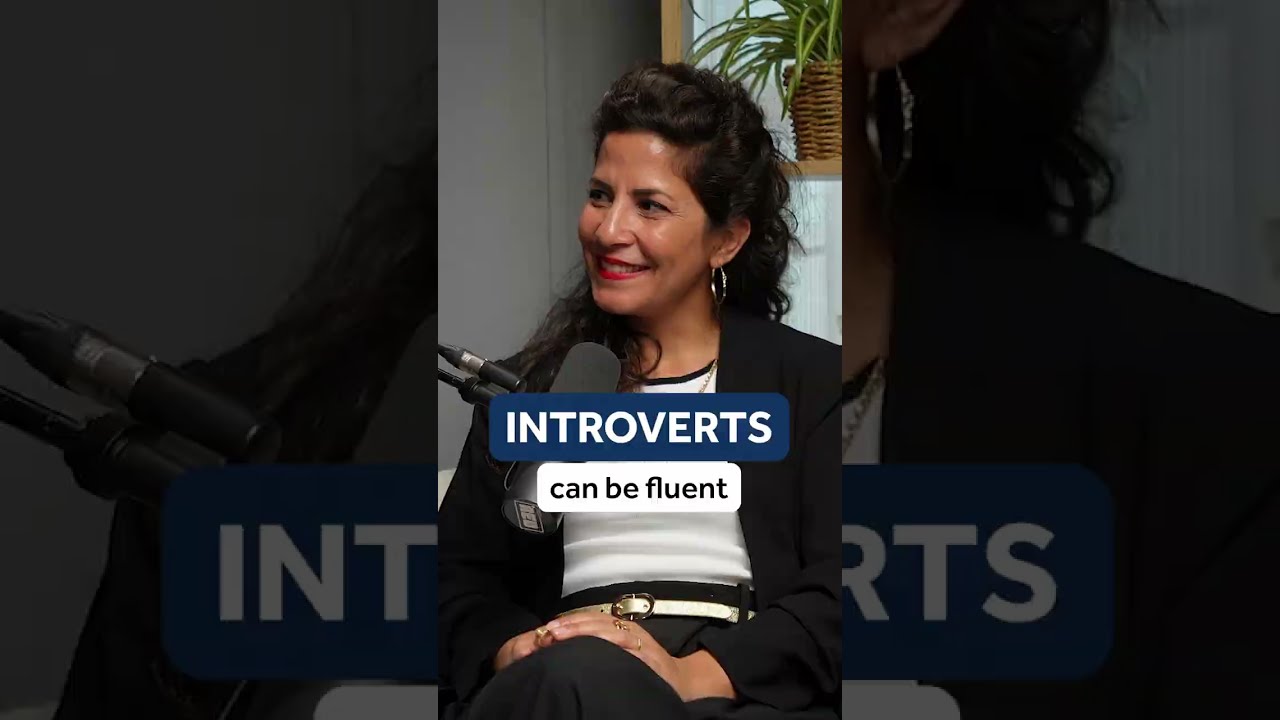
Hadar Shemesh shows how to use Google's Pronto tool to practice pronunciation. The tool gives you phonetic guides and feedback on how accurately you're saying words, designed to help language learners improve their speech.
Chapters
Hey, it's Hadar. Thank you for being here today. I have some really good news for you. Have you ever wished that you'd have someone sitting next to you when you're practicing your pronunciation or saying new words, telling you, yes, that was awesome, or no, you gotta work on that a bit more. Well, now you have it, and it's totally free. Google just launched a new tool called Pronto. Pronto is basically your personal pronunciation coach, as you may or may not know, and I talked about it in this video here. Google now writes the words phonetically when you are searching for how to pronounce a word. So, for example, if you were to write how to pronounce arbitrary, you will see it written out phonetically. Not an ipa, what you can find in other dictionaries, but it's a representation, a visual representation using the English Alphabet of how to pronounce a word. Now, if you look closely, you'll see that they've added a small button that says practice. If you click on the practice, it's going to ask you to record the word. And when you record it, it is going to give you feedback whether or not you pronounced it correctly. So you're going to have a visual feedback. It's going to color in red the same sounds or the places in the words that were not clear. But also it's going to tell you exactly what you need to do and what you have done differently that is preventing you from being clear. And it is so incredibly helpful and the reason why I'm so passionate about it, because I had the privilege of helping Google's developers and best minds develop this product. So I actually told them all about how I give feedback and how I coach my students and how I tell them what to focus on and what I say exactly to help them get the right sound and put it into this incredible tool that is there to help you. And it's absolutely free. Now, a few things you need to know in order for you to start using this feature. First of all, it was just launched last month, so perhaps you still don't have access to it, although you will have soon. Maybe by the time you're watching this video, everyone has access to it. You can only use it on your mobile devices and your search language should be set to English. You need to be signed into your Google account. And if you're using your iPhone, it's best if you use Safari and not Chrome. By the way, this feature only works with American pronunciation, not British pronunciation. Okay, so let's give it a try. I'm using my phone. I'm using. I have an iPhone, so I'm using Safari. And I'm signed in to my Google account, as you can see. Now let's try how to pronounce authentic. Great. So first of all, I see the. The phonetic representation. Aa is the A's and father ah. Then we have T H, E, N. That's the es in red. It's in bold. So that's the primary stress. Authen T. The, uh, is the schwa. So basically you don't pronounce the tik there. It's T. Authentic. I can play it authentic. I can play it in slow motion as well. Authentic. Good. Which helps me understand better what I need to do. And then I do. I just try and practice it myself. Now what I did is I mispronounced free sounds and actually detected it perfectly. I said o instead of ah. A common mistake. I pronounced a t instead of a TH10 and I put an E sound instead of a schwa. So it recognized that I mispronounced those three sounds, which is quite impressive. And the ozen. Father, you may have mispronounced the ah. So I'm going to take a look here. And it says, try to open your mouth wide and relax your lips. Ah. Instead of O. Your tongue should be low and flat in the back because if it's high O, it's going to sound more like an O. Ah. And then you have some examples here that you can play and practice with. Job. Hot. Hot. Office. Office. Keep in mind the notes that you were given. Okay. So you can actually apply it. Try to visualize it. Then I'm going to move on. You may have mispronounced th. Try to bring the tongue to your top teeth. Right. Then let the air out slowly between your tongue and teeth. Right. Not. And then gave me some example words here. Think. Thanks. Theory. Method. Great. So I can practice with fen phen. And then you have mispronounced. Make sure your tongue is on the bottom of your mouth as you make a very short sound. Okay. So first of all, work unit by unit, syllable by syllable. Now let's say I practiced it a bit. I tried it a few times. I practiced the ah. Practice the th. And then what you need to do is just practice it again. Try it again. Practice the sounds that were detected, drill the words, watch my YouTube videos, come back to it, and try it again. Fun. So this is a really great tool that will help you take action and start changing and seeing the change. Because watching YouTube videos is one thing, and obviously that's something that you do. You're learning from YouTube, otherwise you wouldn't have been here. But then you need to take it to the next step, which means active practice. And sometimes people tend to not do it or avoid that stage because they say to themselves, oh, but I don't know if I'm doing this right. So now there are no more excuses and you gotta start taking action again. Remember that you have to use your phone. For now, the search language needs to be set to English. When you get to the pronunciation box, make sure it's only set to American pronunciation and sign into your Google account. Okay. I can't wait to know what you think. I absolutely love it. I know I'm not objective, but I love it and I hope you will, too. Be sure to subscribe if you want to learn how to pronounce the sounds that you're practicing using. Pronto. Have a beautiful week, and I'll see you next week in the next video. Bye.