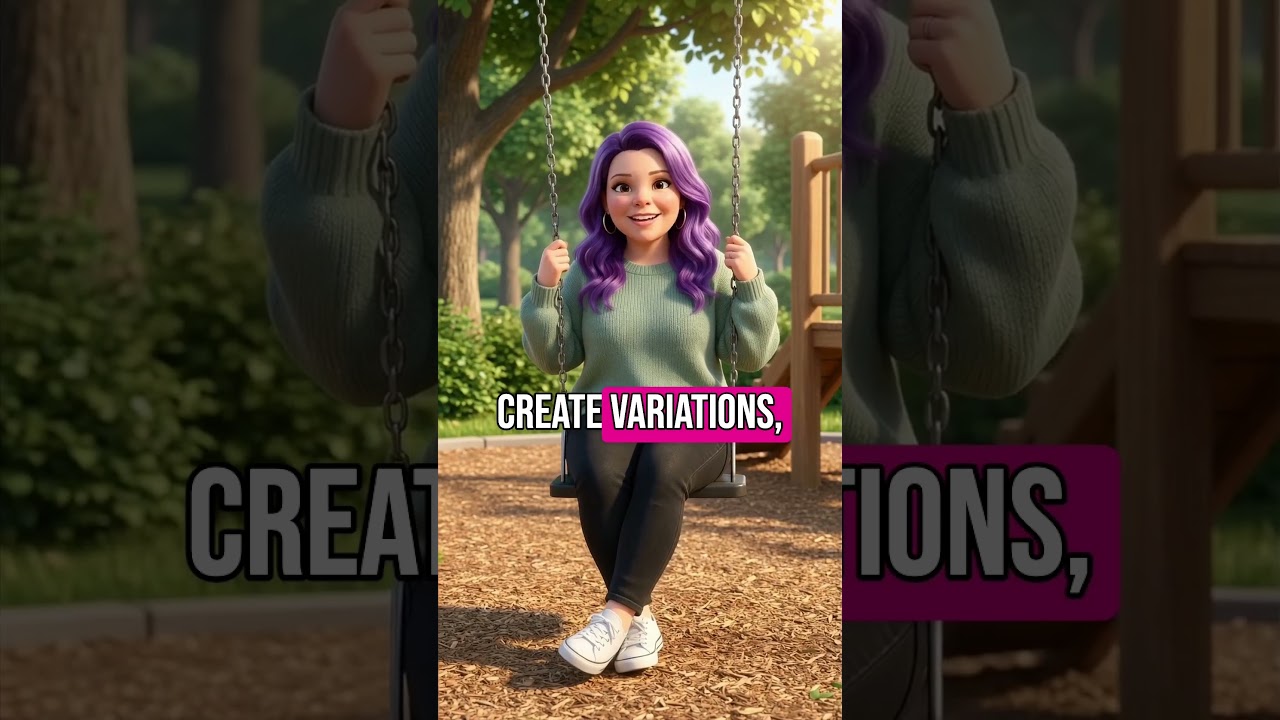
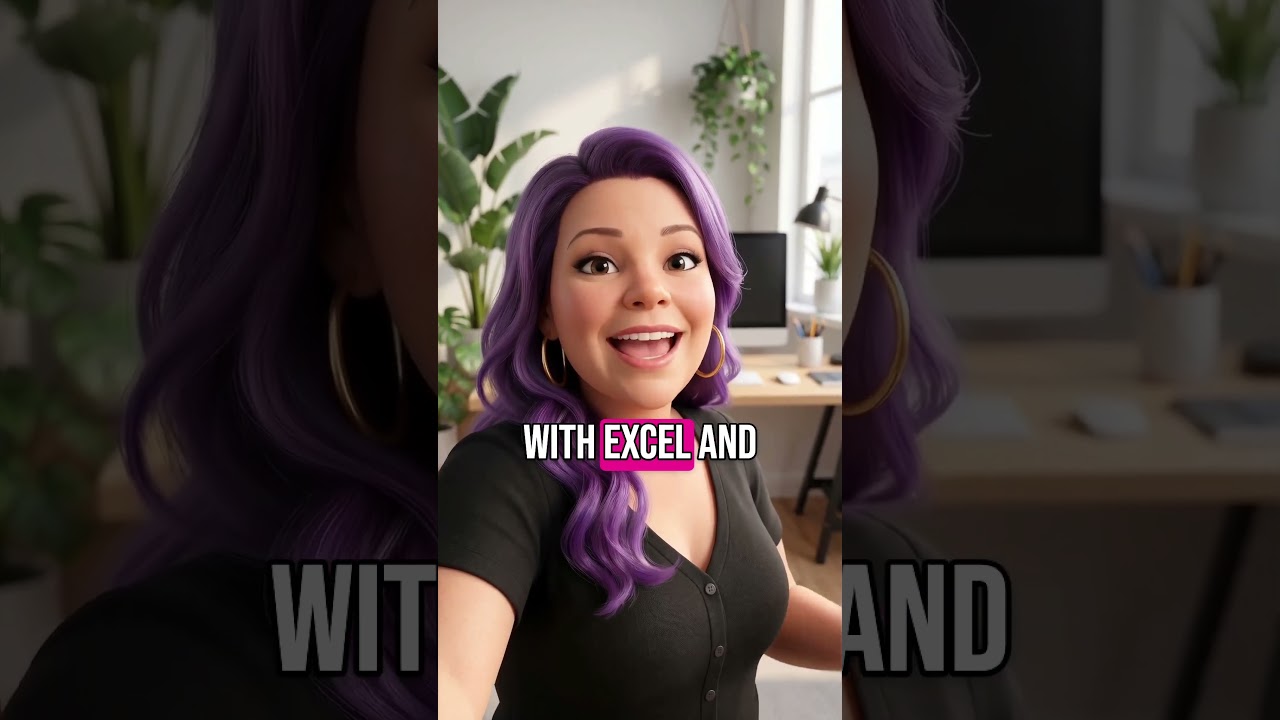
This YouTube tutorial (by Brittany Long) demonstrates how to use Nano Banana (accessible via FAL AI or Gemini) to create an AI-generated photo of your current self hugging your younger self. The video walks through uploading two photos, entering a short prompt to generate an instant-camera, vintage-style 10x10 image, and how to iterate via the conversational chat. It also shows a variant where Brittany ages a current photo by 50 years to create a future-self composite, and ends with a CTA linking to her free Moneymaker GPT tool for AI business ideas.
Questions this video answers
October 8, 2025.
10 by 10.
50 years.
Chapters
There's this new AI trend that might just heal a little bit of your inner child. I'm Brittany, AI recording for Human Brittany, who wrote this training but had a sore throat so I'm recording for her. This new trend is taking a picture of current today you hugging you as a child. And I have to tell you I didn't expect the emotions that came up for me. There was this moment when I saw me hugging me for the first time and it was like reaching back in time to be there for younger me. So let me show you how you can do this AI image trend too and it'll take you less than two minutes. Step one Go to nanobanana. You can Google Nano Banana. I like using nanobanana in a tool called F A L AI because it's a hub for almost all the most popular AI image and AI video tools. If you don't want to go to the trouble of learning all these different AI image and video tools today though, then just head to Gemini and open up nanobanana. So when you first get in, here's what it looks like and as you can see, it does give you a few ideas already on what you can use it for. Like making a photo look like instant film, creating a pro headshot, making a custom minifigure, or giving yourself a 90s pixie cut. But today you and I are going to make a picture of today you hugging younger you. So you're going to go down to this conversational box, then click the plus sign, then click Upload files if you haven't already. You want to grab a picture of what you look like today and a picture of what you used to look like when you were younger. I pulled an old school picture for my picture of younger me. Next you're going to add in an image of today you and an image of younger you. Then add this prompt, generate an instant camera photo of these two people hugging. The the size is 10 by 10. The picture should look vintage and voila. Now we have a picture of you giving your younger self a big old hug. Now if you want to edit it, you can by clicking below and typing into the conversation or chat area and saying what you want instead. One other cool thing I like doing that's similar to this one and won't take much time at all is creating a picture of current me with future me. To do this, I first had to generate a picture of future me using Nanobanana. I put in a current picture of me and asked it to recreate the image and make the Image Older by 50 years, then I use a really similar prompt to create this image of my current me and future me laughing at a cafe. If you like this and want to figure out ways to use AI to generate more revenue for your business, head to the link in the description to get my Moneymaker GPT for free. It's like having me as your AI consultant sitting across from you and asking you questions and giving you custom suggestions. Click that link below to use it today for free.