Generate date randomly in your Excel sheet | MS Excel | Ira Edu-Tech | #shorts
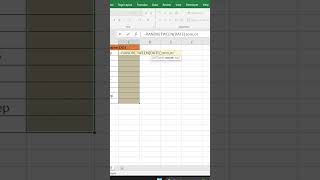
In this Hindi tutorial, the presenter demonstrates how to generate random dates in an Excel worksheet. The method uses the RANDBETWEEN function combined with the DATE function to specify a lower and upper bound (e.g., between January 1 2010 and December 31 2020). The formula is entered in the desired cell range, then duplicated down the column using Ctrl + D. Finally, the numeric results are converted to a proper date display by selecting the cells, opening the Home tab, and applying the Short Date format. The video walks through each step, showing the exact syntax and the necessary formatting to turn the generated numbers into readable dates.
Chapters
More from Deven

Our bodies are at work, but our souls are already on the garba floor💃✨️ #iraskills #navratrispecial


One Formula. 🔥Unique Brands #ExcelTips #ExcelTricks #DataAnalysis #iraskills #explore

Comment "Google" to get all these Free Al Tools by Google.🔥#iraskills #google #explorepage #upskill