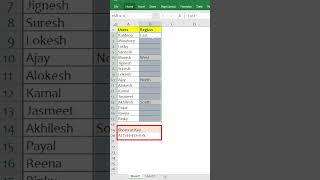
How to Fill Cell with Above Reference Cell | MS Excel | Ira Edu-Tech | #shorts
13 Nov 2023 · 1 min
0:35
Select your cells, press = and the up arrow to reference the cell above, then Ctrl+Enter to fill them all at once. A faster way to copy values down without dragging or typing each one.
Chapters
More from Deven

youtube.com
One Formula. 🔥Unique Brands #ExcelTips #ExcelTricks #DataAnalysis #iraskills #explore
1mo ago

youtube.com
Comment "Google" to get all these Free Al Tools by Google.🔥#iraskills #google #explorepage #upskill
1mo ago








See all content