Use of Formula in Conditional Formatting (Part-1) | MS Excel | Ira Edu-Tech | #shorts
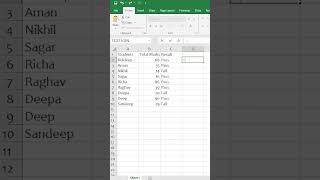
In this Hindi-language tutorial, the presenter walks through how to use a formula in Excel’s Conditional Formatting feature to automatically highlight cells that contain the text “Pass” with a green fill. The video shows the creation of a formula (="Pass"), copying it, selecting the target range, opening the Conditional Formatting dialog, choosing “Use a formula to determine which cells to format,” pasting the formula, setting the fill color to green, and applying the rule so that all cells with the value “Pass” turn green. The demonstration emphasizes that the formatting will update automatically as the data changes, eliminating the need for manual coloring.
Chapters
More from Deven

Our bodies are at work, but our souls are already on the garba floor💃✨️ #iraskills #navratrispecial


One Formula. 🔥Unique Brands #ExcelTips #ExcelTricks #DataAnalysis #iraskills #explore

Comment "Google" to get all these Free Al Tools by Google.🔥#iraskills #google #explorepage #upskill