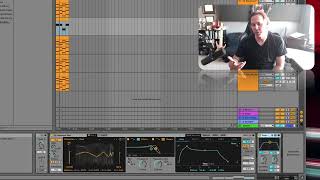
J. Anthony Allen shows how to add audio effects like distortion to MIDI tracks. The MIDI triggers a virtual instrument first, then the audio output goes through effects. You can stack multiple effects, but they go after the instrument, not before it.
Chapters
Okay, as promised, in the very beginning
of this section, I said you can
put audio effects on a MIDI track. Let's look at that really quick. Let's take this little melodic thing we have. Okay, let's say we want to add an audio effect, and let's just maybe
add, like, a cool distortion to it. Just really make it gnarly.
If I drag it on there, it's going to let me do it. Okay, now let's go and look at our effects down here. Here's a MIDI effect. Now here's our instrument. So coming out of our instrument is audio. So we can put audio effects on this track. Just has to be after the instrument. If I try to drag this over here and plop it down before the instrument, it's just not going to do it. It's not going to let me. Because an audio effect, it just doesn't
know what to do there. It's just not going to do anything.
So here I have a cool distortion. Let's just crank it up and make this, like, really super distorted. Yeah, There we go. Cool. Let's maybe even
go crazier with this.
I'm gonna add another effect.
This is like a distortion pedal, kind of an emulator. Cool.
Let's see that in context now. I really like that. Except I wish this note
was that note.
Cool. Okay, let's do one other thing. I want to talk about printing MIDI effects, and then I'll give you this
whole, like, goofy session. If you want to play with it for some crazy reason.