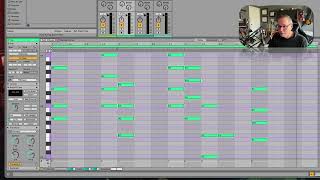
J. Anthony Allen shows how Ableton Live's Connect feature auto-generates chord progressions and lets you tweak them in real time. He adjusts note lengths, spread, and octaves, but worries the automation might skip over learning actual music theory.
Chapters
It's not bad actually. Let's give it a little. More variation ability here. Not bad. It gives me something I can work with and I can play around with. Let's try taking all of these and making them smaller and just tell it. Add another chord in between. Let's see what happens. Alright, That was pretty impressive. Cool. So it just made a whole new chord progression for us. That's wild. Let's change the spread a bit, see what happens now. I rather like that. It's not perfect, you know, it needs some work, but. Okay, let's try one more thing just to push the extremes of this. Okay, so here's my original one. I'm going to select a. I'm going to go down to just a quarter note. Set this to a quarter note. Tell it to fill that up. Oh, I want a whole bunch of corners. There we go. So this is what tile does, I suppose. Okay, so now I've got a whole bunch. I think I want the spread to be smaller so we stay within an octave. Okay, That's okay. All right, so now I gave it one chord per bar and it's going to make three more chords per bar for this whole thing. Let's hear now. Pretty cool. Let's take all these super low notes that it made and just move them up an octave. Interesting. I feel conflicted about this because this is so cool that it's gonna. People are gonna do this instead of learning how to do music theory, but probably not. It's cool. You should do it. So. Yeah, that's wild. That's the connect feature.