Free Ableton Live 12 Music Production Class! Delivered Daily.
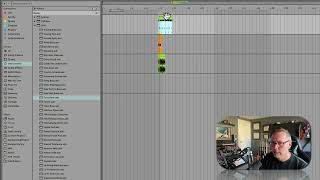
In this segment of the "Free Ableton Live 12 Music Production Class! Delivered Daily" tutorial, J. Anthony Allen walks viewers through practical workflow techniques in Ableton Live. He demonstrates that presets must be dragged onto MIDI tracks—not audio tracks—and shows the error message that appears when attempting the latter. He then illustrates how to audition presets in real time using the preview toggle, applying a preset to a MIDI note and hearing the result with the Drift Club Bass. Allen explains that drum kits in Ableton are simply MIDI note sequences, meaning any instrument—including synthesizers like hickory bells—can be assigned to play those notes. He swaps a drum kit for hickory bells, confirming that the drum clip still functions as MIDI data. Throughout, he emphasizes the flexibility of Ableton’s preset system and the interchangeable nature of MIDI drum clips, encouraging users to experiment with different sounds.










