Free Ableton Live 12 Music Production Class! Delivered Daily.
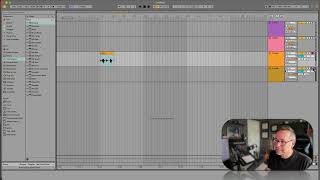
In this segment of J. Anthony Allen’s Ableton Live 12 class, the instructor demonstrates the fundamentals of audio recording. He explains how to arm a track for recording, adjust the monitoring setting so the audio plays back only after recording, and interprets the gray meter that indicates incoming signal without playback. He shows the simple process of hitting the main Record button, capturing a spoken phrase, and then playing it back. Allen also covers how to record on multiple tracks simultaneously by using a command‑click (or Alt‑click on PC) to enable additional tracks, allowing separate microphones to be recorded on separate channels. After confirming the audio clip, he notes that deeper audio‑recording details will be covered later and transitions to the upcoming topic of MIDI recording.










