Free Ableton Live 12 Music Production Class! Delivered Daily.
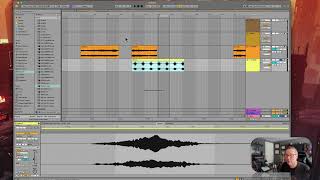
In this tutorial segment, J. Anthony Allen demonstrates multiple looping methods in Ableton Live 12. He shows how to create a loop brace in Arrangement View by selecting a region (or a clip) and pressing Command + L, which both creates the loop and activates global looping. He then shortens the loop to illustrate playback looping over that section. Allen contrasts this with clip-level looping, explaining that a clip can be set to loop independently of the global loop. He moves to Session View, noting that clips loop by default, and demonstrates how to drag a clip while holding Tab to drop it into a track, where it will repeat indefinitely. He emphasizes the distinction between global (Arrangement) looping and clip-based looping, and reminds viewers to use the Back to Arrangement button when switching views. The segment concludes with a recap of the three looping concepts: looping a clip, looping part of a clip, and looping the whole session.










