Free Ableton Live 12 Music Production Class! Delivered Daily.
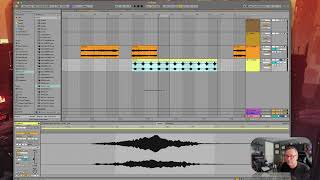
In this segment of J. Anthony Allen's Ableton Live 12 class, the instructor demonstrates multiple ways to create loops within the DAW. He shows how to highlight any region in Arrangement View and press Command + L to generate a loop brace that automatically enables looping, then shortens the loop to illustrate playback looping over that section. He explains that looping can apply to an individual clip, a portion of a clip, or the entire track via the loop brace. Switching to Session View, he highlights that clips loop by default, demonstrating how to drag a sound (a cat sample) into a track while holding Tab, and notes that Session View lacks a global timeline, so global looping isn’t needed. He promises to revisit additional Session View looping methods later, and reminds viewers to track the different looping approaches across views.










