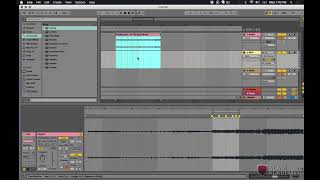
J. Anthony Allen shows how to use Ableton Live's harmony analysis mode to detect chords in Imagine Dragons songs. He aligns audio loops to beats, loads a piano patch, and drags the audio onto it to let Ableton suggest chords. Synth distortion can throw off the detection, so he focuses on chord changes that happen on downbeats.
Chapters
To line up right where I want it. So let's do that. And let's do set one one here. Okay. And let's put that right on beat three. And this chord change right on this, the beginning of the second, And this one right on beat three of the second bar. And that should fill us out. Let's put this drum hit right there just for the heck of it. Okay. And then that's all I really care about. So I'm gonna set my loop to be right there, and then I'm going to ask Ableton to do its magic. Actually, let's do that. Okay, great. Here we are. I don't care about that. So first I'm going to put. Let's use our old faithful piano that we've been using, grand piano, on this track. And now let's drag this audio file down onto it, and it's going to ask me how it wants me to analyze it. And let's say harmony. And then when it's done, we'll look at the notes and figure out what chords they're using for this. Here we are. Okay. Lots of stuff here. Let's just hear what Ableton came up with on its own. So let's go up here and mute the actual audio track. Let's just listen to this. Okay. So that distortion in that synth that they're using kind of threw it off. What we know is that the chord only changes on the downbeats. So anything that comes in later, I don't care about as much.