It's not the sexiest part of the DAW, but learn to use your transport!
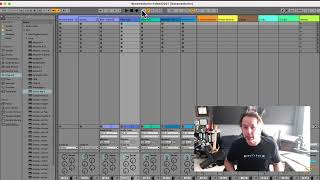
In this instructional monologue, J. Anthony Allen walks viewers through the transport section of a digital audio workstation (DAW), highlighting its visual cues and functional components. He explains how to locate the transport by its prominent play, stop, and record buttons, then details each element: loop settings for repeating sections, tempo and meter displays for song timing, the metronome for recording, overdubbing controls for layering new audio or MIDI over existing material, the current position indicator, and the follow‑along button that lets the timeline move while the transport cursor stays fixed. Allen emphasizes that while the transport varies slightly between DAWs, its core functions are simple yet essential for efficient workflow, urging users not to overlook this section.










