J. Anthony Allen shows how to solo clips, enable looping, and reverse audio for new sounds. He demonstrates a quick warping trick: changing the BPM multiplier to half or double speed creates unusual time-stretching effects.
Chapters
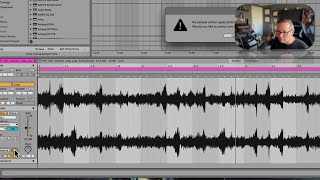
Okay, we have a couple tools to modify clips. Let's take a look at some of those. So if I click on this clip, let's solo this and just hear what it is. Okay. Neat. Now if I go to the clip view here, let's loop just this. If I go to the clip view here, there's a couple things I can do that are just fun creative tools. The first down here is reverse. There's just a big old reverse button sitting right there. That can be really interesting if we're trying to modify a clip, come up with some new ideas, do something interesting with it. I use that a lot. This edit button is interesting. If you click on it, it's going to say no Sample Editor application has been selected. This is for like, if we really want to get down in the weeds and like do some very fine tune editing to that clip, we could open a sample editor. And it used to be really common that you would have a separate program that was like your, your like scalpel type tool to like really get into in a waveform. The. There was one called Peak, there was one called Sample Editor. There are a bunch of different ones, but it's really fallen out of fashion now. Like I don't even have one set up, so I never use that and I never really find a need to. There's a lot that we can do right in live, so that's kind of a legacy thing that I don't think is around anymore. Another cool thing we can do is with the BPM here. Now this is a warping trick and we talked a whole bunch about warping in the last class. But I won't go into all the details about warping here, but if you want to do a quick kind of crazy warping thing, you can divide the speed by half or double it. So this is going to make strange things happen.