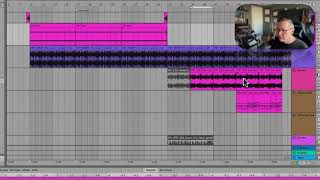
J. Anthony Allen shows how to reverse clips, adjust speed and pitch, and use fades. Avoid boosting clip gain directly because it causes clipping and distortion. Use track volume or automation instead.
Chapters
Let's pull this out here and then double it.
We're still backwards,
which is actually kind of cool. But let's reverse it so that we're going forwards again.
Now we're going half speed. Go back up to normal speed and then double speed.
Okay. Just some fun things we can do.
I like to play with these.
Lastly, while we're in this area gain, we can just crank up the gain of a clip right here. But please don't do that. This is not a good way to do it. You could do it here if you just need to add a quick boost to a whole thing. Like, look at this little G minor arpeggio clip I have here. Okay, sure. In this one, I could go in
and just give it like a little boost. That's probably fine.
But the majority of your volume, you
should try to use either your track audio or the clip fades or automation for them.
There's a couple other ways, and we'll talk about that when we get into mixing. But this tool down here, this gain is kind of a. I think of
this as kind of a last resort when we just need another big boost. So try to avoid using that at all costs.
You're like. The reason is you're very likely to clip by doing this, which is what
this is doing now. It's gonna be all distorted and nasty.
And it's also just kind of easy
to lose track of your boosting here. So it's just not a great idea.
This pitch control down here, however, is fine.
Go nuts with it.
You can see I've already done some pitch control because I wanted to play around with this sample. And it was not in the right key, but it was close.
So I just used the pitch here.
But this pitch is very responsive, So
that's a fun tool to mess around with.
Let's get back in the right key. Okay. Just some kind of ways to get us started with some quick modifying of clips. All right, let's talk about clip fades.