Printing Warp Settings -- Free Ableton Live 12 Music Production Class! Delivered Daily.
4 Aug 2024 · 2 min
2:18
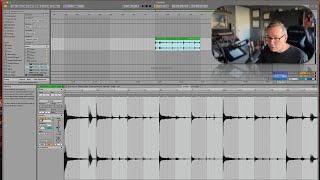
In this tutorial segment, J. Anthony Allen demonstrates a quick method to embed warp settings and any applied effects directly into an audio file in Ableton Live, effectively “printing” the clip. By selecting the clip and pressing Command+J (or using the Consolidate command from the Edit menu), Ableton creates a new audio file that contains all warp markers, tempo changes, and effects, allowing the original warp to be turned off. This reduces CPU load when a project becomes heavy with warping. Allen explains that the new clip appears with warp turned off but retains the processed sound, and notes that this technique is useful when the computer is bogged down by extensive warping or processing.










