Recording MIDI in Arrangement view - PT2 (Free Ableton Live 12 Music Production Class)
11 Jul 2024 · 4 min
3:56
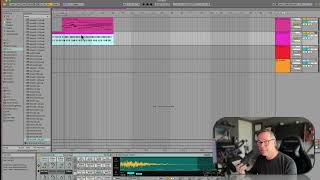
In this segment of a free Ableton Live 12 music production class, J. Anthony Allen demonstrates how to add a hi‑hat layer to an existing MIDI track without overwriting the original material. He explains the use of the MIDI overdub (+) button to preserve existing notes, records a new hi‑hat part, then quantizes the performance with Command‑U to tighten timing. Allen further refines the part by lowering the hi‑hat velocity, disables the metronome for playback, and briefly mentions having previously recorded a cello pad and drums. The tutorial showcases practical workflow steps for MIDI overdubbing, timing correction, and dynamic editing within Ableton’s Arrangement view.










