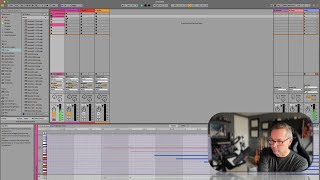
J. Anthony Allen shows how to record MIDI in Ableton Live's Session View. Press a clip's record button, play your part, and the MIDI captures. Switch to another clip's record button to layer takes on the same track.
Chapters
Okay, let's go over to Session View and see if we can do the same types of things. So, remember, we have basically the same mixer here. So we have the same cello section loaded up. The same drums are loaded here. So if I want to record in Session View, I'm just going to hit one of these record buttons and start playing. Gorgeous. Want to record another one? Just hit another button, Hit another button. We can go on all day. Really simple. Works just like audio recording. If I want to switch over to this one, we're gonna switch over. Our arm to record is gonna come with us in this case, and I can just play some drums. Okay, Weird, but you get the point. Okay, so super easy. Everything comes right with us. We just hit record and on a MIDI track, and we're off and running.