J. Anthony Allen shows how Ableton Live 12's Shape tool generates melodies using direction presets, custom contours, and parameters like rate and jitter. The rate controls note density and linking, while jitter adds glitch-like randomness. He demonstrates a complete melodic phrase ready for a violin solo.
Chapters
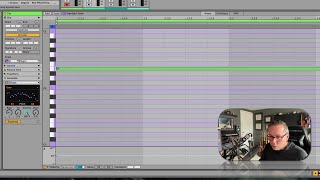
All right, up next, shape. This is another melodic kind of idea. So we've got right here, it's kind of hard to see, but right here we've got some presets for directions. So we can go flat, up, down, up down, arc down. So if we go flat, we're gonna make just flat notes, but we can also say, oops, here, arc up. Cool. So obviously, you can see exactly what this is doing. We make an arc, and it's going to make an arc, and it's going to conform this to our scale. That's going to be great. We can also just draw on this little window, just do this kind of stuff. Thing. That's neat. We can define our pitch ranges here. So we can say, if we don't want it to go so high, could do that. Now we can change the rate. This would be like our rhythm tie seems to mean that some notes will hook together and we'll get some longer rhythms. Like if I turn it up just a little bit, see if this note connected together in making one longer note. So I'm going to turn that up a little bit just to add some variation density. 100%. There's going to be no gaps. We're going to have a note on everything. But if I turn that down, there'll be some gaps in it. It's cool. And jitter. Jitter tends to mean, I think, in this context, kind of like glitches, like getting outside of the pattern. So if I do this. Let me just go to that flat thing, and then I crank up jitter, we're gonna get some notes that drift out of it. So think of it like, you know, a glitch kind of a thing. Randomness. Add something. Cool. Let's do that. Okay, let's hear. There you go. Just completely randomly generated. Not a bad place to start for a little violin solo, I gotta say.