J. Anthony Allen shows how Ableton Live 12's new MIDI tools let you shuffle, stretch, and transpose notes without music theory knowledge. These transformation features, previously only in notation software, now live directly in the DAW for the first time.
Chapters
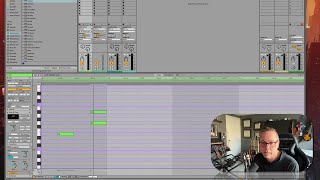
Okay, up next, I want to go through some of these new MIDI tools that are here. There's a whole bunch of new things that are going to give you. That are designed to help you create new ways of generating MIDI notes that'll both help you get around if you're not. If you're not so savvy at music theory. And also, just if you're looking for a new idea, say, like, generate a new idea and see what you think of it. They're really fun. Some of these tools we've seen before. If you've ever used, like notation programs like Sibelius or something like that, some of these types of things have been around in those for a little while. Things where you can say, like, here's a melody. Shuffle the notes and come up with something new. Kind of a randomized type of a thing. So they're not all entirely new to, like, the world. Some of them have sort of existed, but I've never really seen any in a daw before. And they're super fun and super handy. So in order to get these things, we're gonna look at some of these new windows in our clip view here. Okay, we have launch controls. This will be all pretty familiar. I don't think there's anything wildly new here. Our follow actions and stuff like that. But here we have some pitch and time controls. Here we have transformations, and here we have generate. Okay, so we're going to look at all three of these in this section now. So let's dive in. Let's look at Stretch and transpose first.