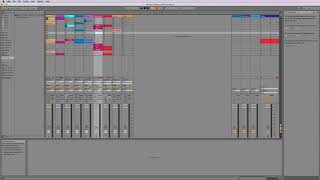
J. Anthony Allen shows how to edit clips in Ableton Live 10's Session View, where each clip works like a spinning record without a traditional timeline. Learn to create clips, manage loops, and record Session View performances into Arrangement View.
Chapters
Okay, let's dive into doing some editing in the Session View. So this is going to work a little bit different than the Arrangement view, because remember, we don't have a timeline. We don't really have a timeline. And we've got kind of all these little spinning records. Right? That's what each of these clips is in a way. Right. So what we're going to find is that not every record is the same length. And is that. Okay, we'll answer that in just a second. We're also going to see at what we can do over here and some tricks that we can do that kind of take the place of the timeline and how we get around without having a timeline. All will make sense in just a second. We'll also look at in this section making some new clips in Session View to add to our track that we have going here. And again, I've still got this James Patrick track. This is the same one. If I flip over to Arrangement View, we have this in Session View, it looks like this. So what I think was happening here is this is kind of his palette. This is he was making all of these and then he recorded an arrangement over here. And we'll talk about how to record to the Arrangement view in this section as well. So let's dive in and let's just talk about general setting up loops and we'll go from there.