Using the Note Length Effect in your DAW
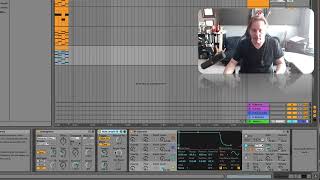
In this tutorial J. Anthony Allen walks through the Note Length effect within a digital audio workstation (DAW) arpeggiator. He first sets the arpeggiator to 16th‑note resolution and disables any note‑delay, then activates the Note Length parameter. He explains that Note Length does not shift the note‑on timing but delays the note‑off message, effectively stretching each note’s duration—akin to holding down a sustain pedal. The demonstration shows the arpeggiated pattern sounding longer as the note‑off messages are postponed. Allen and collaborators discuss using the Gate control to tighten the stretched notes, essentially undoing the effect. Throughout, they reference the audible result as a “goofy little attractor” and comment on the fade‑out character, providing a practical, hands‑on illustration of how Note Length can be used creatively in a DAW.










