1:16
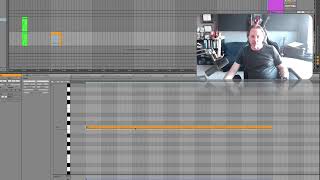
In this tutorial, J. Anthony Allen explains the "Chase MIDI notes" (also known as velocity chasing) feature found in many digital audio workstations, including Ableton Live. He describes how the option forces a note‑on message when playback starts in the middle of a held MIDI note, ensuring the sound is heard immediately. Allen demonstrates accessing the option via the Options menu, toggling it on, and shows the audible result of starting playback mid‑note. He notes that most modern DAWs enable this by default, but it can be turned off for specific demo purposes. The overall recommendation is to keep Chase MIDI notes enabled at all times unless deliberately showcasing MIDI edge‑case behavior.










