Warp Markers -- Free Ableton Live 12 Music Production Class! Delivered Daily.
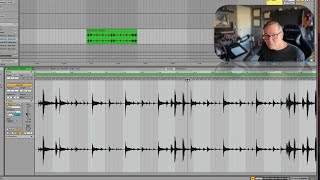
In this segment of a free Ableton Live 12 music production class, J. Anthony Allen walks viewers through the practical use of warp markers for aligning audio clips to the project grid. He explains that the gray arrows shown in the clip view are Live’s suggested warp markers, derived from transient detection, and demonstrates how to convert them into active warp markers by double‑clicking, turning them yellow. Allen shows how dragging a warp marker shifts the surrounding audio on the timeline, allowing the user to align a transient to a specific beat. He then tests the result against the metronome, illustrating that further adjustment may be needed. Finally, he highlights a common pitfall: imported clips that contain silence or a gap at the start can throw off warping, and notes that this issue has a simple fix. The tutorial combines step‑by‑step instruction with troubleshooting tips, aimed at beginners learning to use Ableton’s warping tools effectively.










