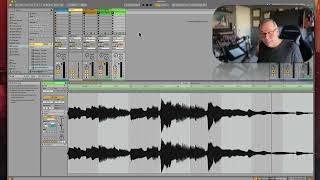
Ableton Live's warp feature automatically detects a clip's BPM and stretches it to match your session tempo. The instructor shows a bass loop at 148.85 BPM and a guitar riff at 120 BPM both warped to 95 BPM, then covers manual corrections when auto-detection misses and how intentional mis-warping creates experimental sounds.
Chapters
Okay, so now it's less frantic, it's more in time. But what it's doing is live saying, okay, the BPM of this clip, live thinks it's 148.85. Okay. But if that's correct, it knows how to do the math to get it to play at our session tempo, which is 95 bpm. Okay. Same thing with this one. It says this one is 120 bpm, but it knows how to do the math to get it to play at 95. So both of these are gonna play at 95, and that makes them gel. Okay. That also makes for an awful lot of bass. But let's find something melodic and see if we can get it to work in there too. Let's say guitar riff. Let's find something. Sure. Let's put that right there. Okay. Let's see if it warped this correctly. If it did, then it's going to fit right into this groove just fine. Okay, so it warped it correctly. It fits. It's cool. So that is what warping is. Warping is the way that live knows how to make everything play in time. Now, the trick to warping is that live isn't always right. And so it gets pretty complicated with when we try to help live and get it to warp something correctly. And that's what we need to learn how to do. In this section, there's a bunch of settings that we can do to. To help live learn how to warp. There's some techniques that I'm going to go over on making sure something is warped right. And then there's some really fun things we can do by warping something incorrectly and making some crazy sounds. So let's get into it.