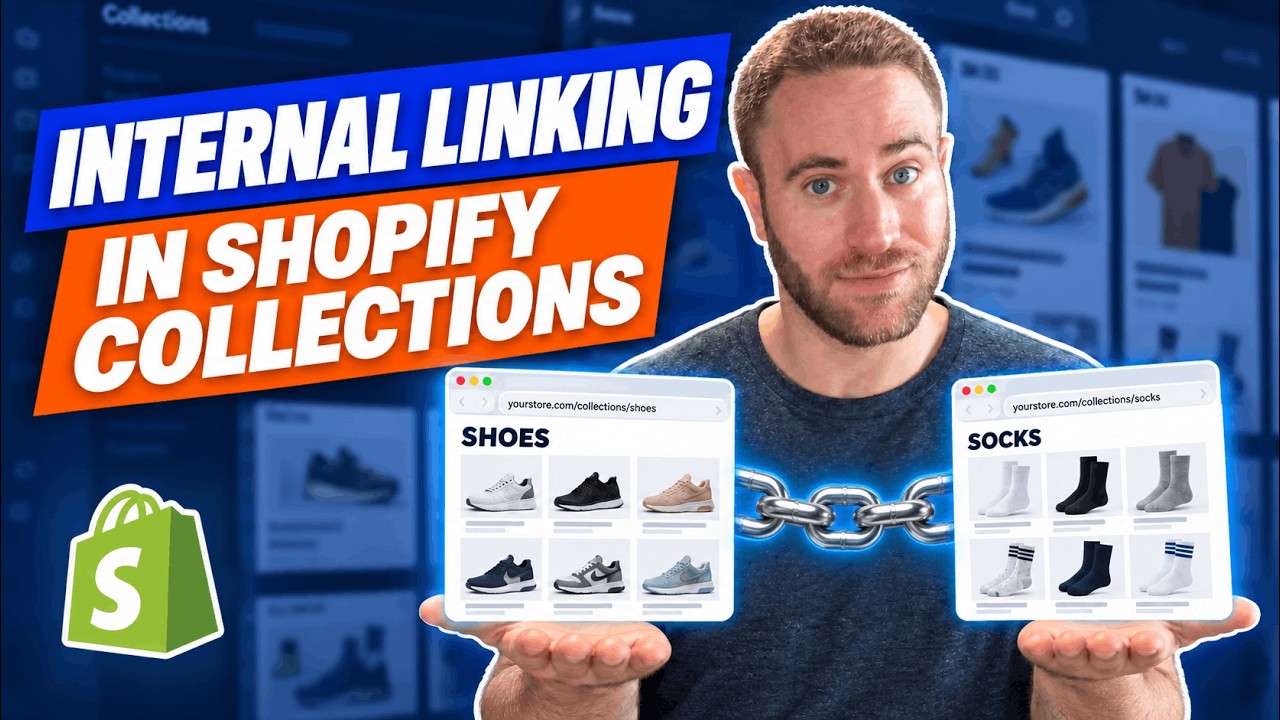
Jason Berkowitz shows a Shopify bug where collection pages link to product URLs with the collection slug appended, creating duplicate URLs that waste crawl budget. He demonstrates the problem on real stores and recommends editing your theme's Liquid templates to link directly to products instead.
Chapters
Hey, Jason here recording a quick video that is very likely relevant to you if your website is on Shopify and you're of course seeing this video given the current theme setup with relation to collection pages and product pages. Now sometimes by default Shopify and standard Shopify themes might have specific collection pages with the grid or the list of specific products, which then create a brand new longer URL. So, and I'll show you some examples in just a second, but typically you'll have your collection name, which then when clicked links to the product page, which follows this longer structure, which appends the product URL as well after the collection name. And for a while with relation to SEO, a lot of data has been proving that when you can modify the theme files, and of course speak to your development team to ensure the ease, and it should be fairly, fairly easy, and I'll show you how in just a second, it has been more beneficial for crawling and indexing, not only with Googlebot and Google, but also with the various tools that we might even use for URL monitoring and website monitoring. Of course, the idea is that every collection page links directly to that specific product page. We do know that the canonical of the longer form URL does in fact go to the optimized URL, but it does eat up a lot of bandwidth and resources from all the different tools. Again, Google being one of them and our own tools being another. Google has to first crawl this page. Then of course browse the HTML, see the canonical, and then go and crawl the canonical page. So a quick example that I pulled up was avrani.com. I was looking for a sample website that would fall into this issue, and we can see that if we pull up their website and we go to any random collection, whether it's Collections All or we click collections, dark spots, we can see that this grid links, if you look in the bottom left, to the long form URL. And this is not good. And of course, when we use Screaming Frog, a website crawler, we can see all the different variations that are included and being crawled within the crawl list. And again, every collection has their collection and product name. And even though, again, the canonical is to the right URL, it still does eat up a lot of resources and causes a giant, giant mess, one that we've been seeing a little bit more noticeably in Shopify 2.0. So we would love to correct it within the theme as well. So this is just one example on Avrani. And another one is Fellow Creatures, in which we pulled up their collections page. And we can see, again, just by hovering over the products, the long-form URL that is in the— that's listed, that's linked to. So what I wanted to also showcase was successful Shopify websites that are doing this right. So I was able to grab a list of the top 100 most successful Shopify stores from this website, accurate or not. I took some brands that I was familiar with and that made sense and wanted to see again, just to further prove in this case of the video, how they're doing it and how things are optimized correctly. So in this specific example, we have ColourPop and we just clicked on their collections page randomly for powder shadow. And when we start highlighting over these specific products in the grid, if we look on the bottom left, we can see that they are linking directly to the product page, not going with a collection page first or the collection URL appended before the product URL. It is linking straight. Another example is the highly successful sportswear Gymshark, in which they— we picked on a random flex collection page for women, and they too again are linking to these specific product pages, not having the collection page URL. And lastly, Onewheel. Onewheel only had one collections page, but obviously they are linking directly to the specific products. So with that, In the specific theme code for collection pages, by default, we have the template in which is going to be linking out to specific products, which showcases here in the href that this is the link to the product URL, which will be contained within that current collection. So what this code is telling Shopify is that it will have the product URL within the top-level collection. And what we want to do is ensure that it skips that completely and just showcases the product URL. Again, it is best before you do anything to confirm and maybe even send this video to your development team. They should be fairly proficient in fixing this. Sometimes it can simply be, again, as simple as logging into the Shopify admin console, going to the online store, and then the themes, edit code in the dropdown for actions. And then depends on the specific theme you're using, the folder and the Liquid file might have different names. But again, replacing the product URL within collection with just straight the product URL. Of course, if you have any questions, comments, thoughts, ideas, pushback, brainstorming requirements, don't hesitate to let us know. We, of course, would want to see this implemented as best as possible while ensuring this doesn't conflict with any other initiatives taking place.