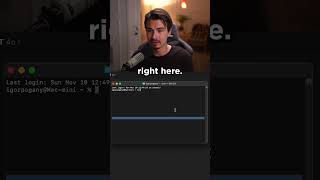
LARRUZ shows how desktop ChatGPT can now see and interact with other apps like Terminal and VS Code. A new button lets you add supported applications to ChatGPT's window, so it can read their contents and generate exact commands based on what it sees.
Chapters
They did it. OpenAI gave the ChatGPT app the ability to see applications on your computer. Namely, it can now work together with other applications for the very first time. And it's this new button here. And you might not see it right away because it only works with specific applications. As of now, you could work with various code editors like the Terminal or VS code here, and it pulls in all the code inside of them into its context window. And you can have one conversation with all of it. If you don't see this button, you might need to open up one of these applications. So let me open up Terminal right here, and when I'm in Terminal, I just open up a new ChatGPT window by clicking the icon of the desktop app. And then here I can add Terminal. And now I can tell ChatGPT things like navigate to my download folder and it will look inside of my terminal and tell me exactly what code to type in there. So just copy paste what it tells me here, hit Enter, and boom, we're situated inside of the downloads folder. With this quick little command, I could see all the files in there. This is great.