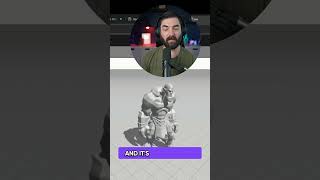
A short livestream-style tutorial by LARRUZ demonstrating how to create and animate a 3D orc using Mixamo. The speaker selects a character preset, checks the auto-rig (chin, wrists, elbows, knees, groin), applies a dance animation (the Twist), and suggests capturing the screen output for further stylization (e.g., using Runway’s video-to-video colorization).
Chapters
All right, so let's do a character preset. All right, let's try this one. Let's try to get another orc here. See if I can get this one to actually dance for me. I need a dancing orc before the stream is over. All right, let me get into mixamo again here. All right, so there's the chin, the wrist, elbow, the knees, and then the groin. All right, we got our orc here, and it's all rigged up. So now let's make this guy dance. Do the twist. There we go. Now we have our orc doing the twist. This is really fun, by the way, to use as, like, the start of a video to video. So you can, like, actually screen capture, like, an orc dancing here in mixamo and then take that video and then throw it into a tool like runways video to video and actually colorize it and make it look cool. That's, like, a really fun workflow.