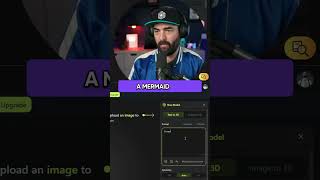
LARRUZ shows how to use meshi, an AI tool that generates 3D-printable models from text prompts. You get 200 credits on the free plan, export as STL files, and can send them straight to a 3D printer. The demo includes a realistic wolf and mermaid-cat variations.
Questions this video answers
STL
200 credits
Chapters
This right here is a wolf that i3D printed. And I actually made this with a tool called meshi. So you can see this is actually that wolf that I was just showing you a second ago. That's it right there. And you can see, here's my prompt. Realistic wolf, brown fur, high quality hdr. And then when I go to download it, we have some options here, including an stl. And the STL is the file you would need to, you know, just pull it into a 3D printer. A mermaid cat. I saw that in the chat. Those are the mermaid cats that it gave us here. The one in the bottom right is actually not too bad. Bad. Let's go ahead and select that one and click continue. So here's our mermaid cat. And if I wanted to download this, I can download it straight to an STL and 3D print that if I wanted. That's what I would use if I was actually trying to have AI create something that I can 3D print is this meshy tool. And I did that for free. This is a free plan that I had, you know, 200 credits on there. I never paid for this tool.