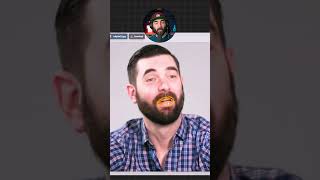
A short YouTube demo by LARRUZ showcasing Face Poke, a free image-editing model hosted on Hugging Face that lets users manipulate facial features by highlighting areas and clicking/dragging. The speaker demonstrates lifting eyebrows, opening the mouth, closing eyes, and changing face direction to fine-tune headshots.
Chapters
So check this out. This is a completely free tool called Face Poke and you can find it over on Hugging Face at this URL right here. With this tool you can upload an image of a face and then actually highlight any area of the face and change it. If I want to lift the eyebrows of my picture I simply click on my eyebrows and drag up and you can see my eyebrows change. If I want to open the mouth on my image here I can click on my lips, drag and watch as the mouth opens even more. If I want my eyes closed I can click my eyes close close the eyes and if I even want to move the direction of the entire face I can highlight the whole face, click and drag and watch as I move the face around and readjust the image to make it look however I want. With Facebook you can truly dial in your headshots and make them look however you want. This is absolutely wild.