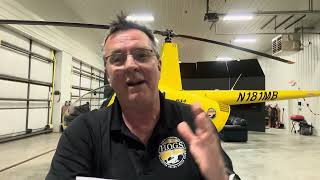
A short YouTube demo by Kenny Keller explaining how he records intercom audio in a helicopter. He recommends using the GoPro Media Mod attached to a GoPro and a simple helicopter headset-to-GoPro adapter (sold by pilot stores). He highlights the green LED on the Media Mod as confirmation that headset audio is being captured and directs viewers to HelicopterGround.com for more helicopter training content.
Chapters
We keep getting people asking us how do we do audio in the helicopter? And I've done it numbers of different ways over the years. Finally have like the best setup. So GoPro Media mod. Here's what it is actually called. Media mod. Put your GoPro in there. I mount it up here. That dude plugs in in the back of the camera right in there. Then when you turn your GoPro on, it gives you a little green light. So you know if you're catching the audio in your intercom and then this is simply. You just go on like, oh, any of those pilot stores online. This is just a simple plug. This plugs in the helicopter, plug your headset in there, you plug that, you can find them. It's just a simple helicopter adapter for GoPro, searchable on the Internet. Really simple, easy. So just thought I'd share that with you. Only took me 14 years to figure out how to do that and make a slick way of doing it. And again, this is the only way to know if your audio is being recorded or not. Everything's plugged in right as a little green light you'll see on there. So GoPro media mod. Other than that, helicopter training. Helicopterground.com Peace out.