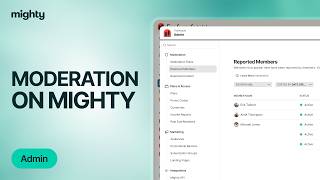
Kyle Ford walks through Mighty Networks moderation tools: how members report each other, how hosts get notified, and how to use the admin panel to review reports. Key difference: removing a member keeps their posts, but banning deletes everything and blocks their return.
Chapters
Moderation of a mighty network is easy. Anyone in a mighty network can report another member by opening up their profile, clicking the three dot menu, selecting more, and then opting to report them from there. One can explain why they're reporting this person either by selecting one of these three options or putting it in their own words here. As soon as a member is reported, you as a host will get a notification. From there you can either click on the notification or open your admin and type in moderation. From here you'll have the option to view all reported members as well as any content as in articles, quick posts and polls that was reported as well. Once a member is reported, you can click on this three dot menu to view the reports. From there you can select to remove the member which will remove their account but leave all posts from them up. Or you can select to ban them which will delete any contributions they've made to your mighty network and make it so that they cannot return and create a new account.