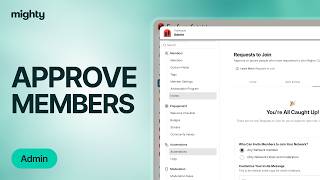
Kyle Ford walks through how Mighty Networks admins review membership requests. Check each applicant's email and screening question answers, then approve or decline them individually or in bulk. Approving sends an automatic email letting them join.
Chapters
When a member requests to join your Mighty Network through your planned screening questions, it's easy to approve them or deny them. Just click on your profile photo in the top right corner of your network, select Admin, and you're going to see a button under Invites that say Request to Join. If multiple people have requested to join, feel free to approve them all or decline them all. If you'd like to look at them one at a time, you'll see each member. You'll be able to take a look at their email address, and then you can look at their answers. If you've got screening questions turned on, you can check them out, approve them directly from there, or approve them from this button right here. As soon as you do so, your member will get an email letting them know that their request has been approved and they'll be able to join you in your Mighty Network. It.