Lauren Bateman shows the Vadami foot pedal, a tool that lets guitar students control YouTube lessons without leaving the fretboard. It rewinds 5 seconds, adjusts playback speed down to 20%, and loops sections so you can drill one part over and over.
Questions this video answers
75%, 50%, 35%, and 20% (0.2x)
Five-second increments
10% off using coupon code "Lauren Bateman 10"
I want to show you guys the number one learning tool that is changing the lives of my students and revolutionizing the way you learn on YouTube. It makes your practice time easier. It makes it way more efficient, and my students are loving it. Let me show you.
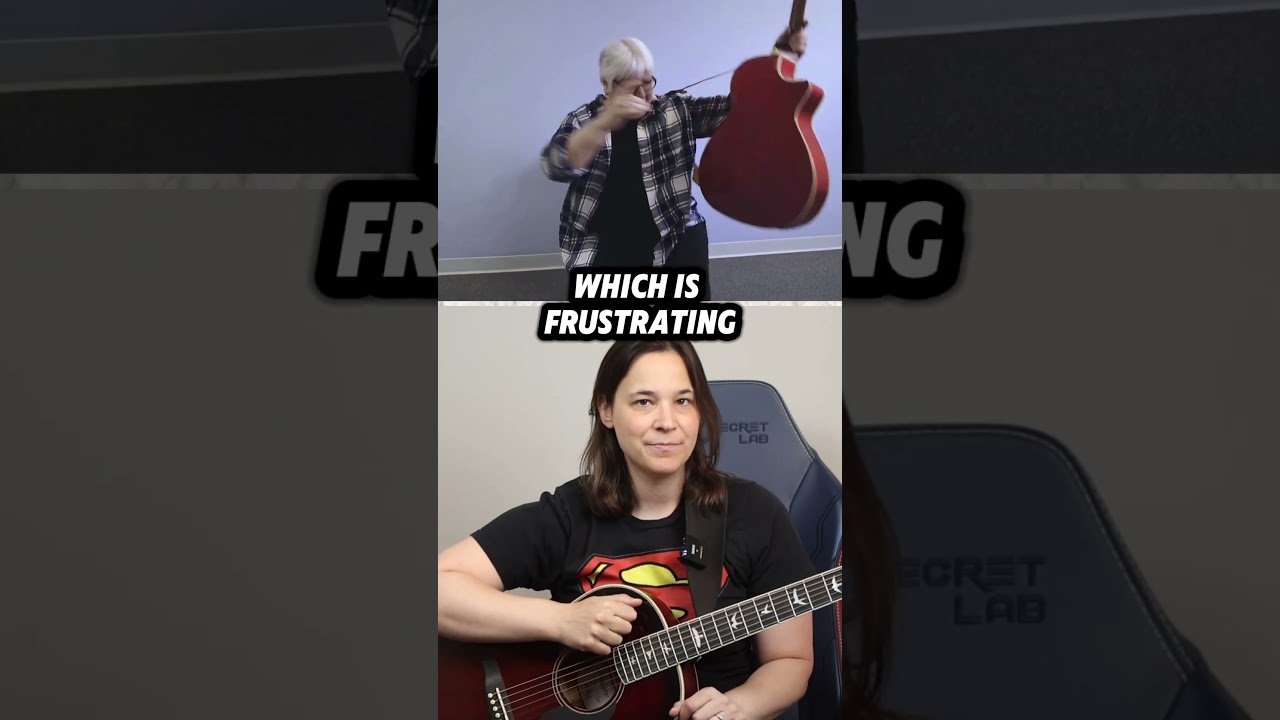
So I have the Vadami pedal right here, and in a few moments, I'm going to show you exactly how this pedal works. But I want to explain to you first why this is such a game changer for anyone learning here on the YouTube platform. Now, my students have reached out to me saying, lauren, you got to check out this pedal. It's made practicing so much easier, and it's a great tool because essentially what it does is you can rewind videos, you can slow them down, you can stop them, you can pause them, you can fast forward them. You can even create loops of sections to practice all over and over again without ever taking your hands off the guitar. Now, this might sound familiar to you. I know. This is what happens to me when I'm trying to learn something on YouTube. As you find a video and then you push play and you're learning, and then you realize you're going to go backwards or you're going to hear something again. So you got to take your hands off the guitar, you got to find your mouse, and you got to find the spot. Then you realize you didn't go far enough. So you're trying to find this exact spot of where you need to be. And there's just a lot of this up and down, up and down. You keep taking your hands off the guitar, and it's very inefficient, and it slows down your progress. It makes learning on YouTube very, very frustrating. And I think probably the greatest feature about this pedal is that you can actually create loops, meaning you can isolate certain sections of a video so that they play over and over again. So a lot of people are like, lauren, oh, I wish you had done that one or two more times. Well, now you can cut that section of video. I'm going to show you how to do that shortly. And you can have it loop over and over again. But not only that, you. You can slow down that section. So if I'm going too fast, you can slow it down without ever taking your hands off your guitar. You guys are going to see. This is amazing. I can't wait to show you the pedal. So in the bottom right, you'll see there is the back button. So if you touch this button, it'll back up video in five second increments. Okay? And on the other side, you will see the forward button, which will fast forward the video in five second increments. So you can tap those as many times as you need to to find the right spot in watching. Now, the middle button, you can either play or pause the video. And if you hold that button down, it'll take you right back all the way to the beginning of the video. So in the top right hand corner, we have the speed button. And you can tap that multiple times to slow down the video. Okay. Sometimes people are like, oh, you're going too fast. Well, you can just tap the button and it'll slow it down. You can slow it down to 75% speed, 50% speed, 35% speed, or even as low as 20% speed. This is great for people who are learning solos or maybe intricate picking parts where you need to take things really slow to get the timing down perfectly. And probably the most effective button that I'm going to show you shortly is the top left, which is the loop button. Now, you can take a loop and you can isolate it, and all of those buttons will work depending on what you're doing in the loop. So you can just slow down that loop section, or if you push the back button, it'll take you back to the beginning of the loop so that you can play it over again. So sometimes you might have a loop that's maybe 10 or 20 seconds, and you're like, oh, I just really want to keep going over this part. In the beginning, you can either make a new loop or just hit the back button. It'll start the loop all over again. Now, make sure to watch this video to the end because Vadame has given me a very special promo for my YouTube students. All right, so here I am. I pulled up a video of mine. This is my homeward bound guitar lesson. So you see, I got the vadami pedal on the floor, and if I just push the play button, it will start playing the video. Okay. And I'll go through some of the other features so you can see how it pops up on screen. So if I needed to maybe slow this down, you push it once, it goes to 75% speed, you push it again, 50 again, 35, again, 0.2. And then again it goes right back into full speed. So this is the intro, and you're like, ah, Lauren's talking too much. I'm just gonna fast forward. Get past the intro. Oh, wait a minute, I went too far. She showed me some chords. I'm now gonna back it up. And see what these chords were. Maybe I just want to pause here on this screen because I want to see what these chords are and make sure that I can play them all. And then I'm like, great, I can do that. Let's keep going to the next section, so forth and so on. So you can see how you can easily browse these YouTube videos without needing to take your hand off a guitar. I just did all of that without taking my hand off the guitar. Okay, so let's go into the looping function, because I want to show you how to use that, because I think that's really the most valuable tool on this pedal. All right, so I found a great spot to punch in a loop. I'm here, I'm learning The intro, section 2, homeward bounds, and I'm about to say, hey, let me go through everything we learned. And I'm going to play through the whole part. So I just pushed back from that about five seconds. So I'm going to push the play button, and then you're going to see me push the loop button, and then you're going to see loop in appear on the screen. And then I'm going to hit the loop button again when I'm done, and you'll see loop out appear on the screen. So here we go.
And here it comes. So all together, it's going to sound like this.
And there we go. I've now just created a loop of this section of the song that's going to play over and over and over again. And now, without having to take my hand off the guitar, I can start practicing.
And as you can see, I probably should have practiced this before, or maybe it's going too fast for you and you need to slow it down just a little bit. You can hit the speed button there. Now it's 75% speed. Okay, so maybe you could practice this a little bit better. And then you can slow it down, or you can just clear it by hitting it a few times in a row, and you're back up to 1% speed. And when you're done practicing this section, all you have to do to clear the loop is hit the loop button again, and you're going to see the loop clear on the screen. And this video is just going to keep playing until you hit something, something else on the pedal. So I hope you guys can see how this could really change your practice and make it more effective here on YouTube or in my course, if you have my course. Super effective. And Vadame is being super nice for a limited time. They are giving 10% off the purchase of one of their Vadame looper petals. All right, you can use the Coupon code Lauren Bateman 10 go to their website. I'll put a link in the description below. Save yourself some money and get this amazing tool. I really hope you guys will consider this. I don't recommend very many products on my channel, but this one I think is top notch and a must have for anyone learning on YouTube.