This is a YouTube video titled "This AI Studio Feature Will Save You Hours!" containing a dialogue between two speakers discussing how to use make.com, specifically how to add nodes and use HubSpot modules within the platform. The conversation is instructional and focused on AI-related workflow assistance.
For example, when it comes down to streaming, it's as easy as this. You share the tab. Hey, are you happy to help me with some AI today?
Hi there. Absolutely. I'd be happy to help you with any AI tasks you have.
Amazing. I'm inside of make.com and I don't know how to add a node. Can you tell me how to add a node?
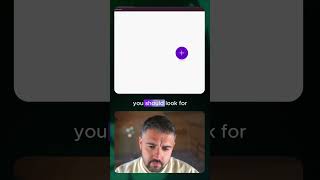
Sure thing. To add a node in make.com, you can. You should look for the large plus button, usually in the center of the screen. Click on that plus button and a menu with different node options will appear.
Okay, that's great.
Great. Now you can select the type of node you want to add from the menu. You can scroll through the options or use the search bar to find a specific node.
Thank you. That's great. Can you tell me if HubSpot is a node inside of make.com that I can use?
Yes. HubSpot is available as a node in make.com you can search for HubSpot in the node selection menu. And you should find various HubSpot modules that you can use in your scenarios.