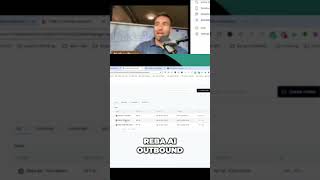
Nathan Payne shows how to set up an AI bot in REI Reply that automatically calls and qualifies leads. The bot answers common questions, moves deals through the pipeline, and comes with pre-packaged training so you can launch it fast.
Chapters
You need to get an REI Reply account. They have an onboarding process. It's super easy. You get the service. Now you need to get compliant with texting in order to text at all these days as a business. So you go through that process. Once you can get texting, there is a tab called REBA AI. You click it, you sign in, you log in, and what it does is it shoots you over to website where you can start building your bot. And the cool thing about the bot, um, Reba AI is it comes standard with, uh, Reba AI outbound. So it will make outbound calls and it's programmed to call and qualify and inbound. So if you have leads coming in, it will talk and qualify leads that are coming inbound. I built my own dispo bot specifically to help me disposition deals and answer questions, the same questions I get. And each bot can text and it can call. As soon as you get the Reba AI, it comes with the training. And this is how I was able to set mine up super fast.